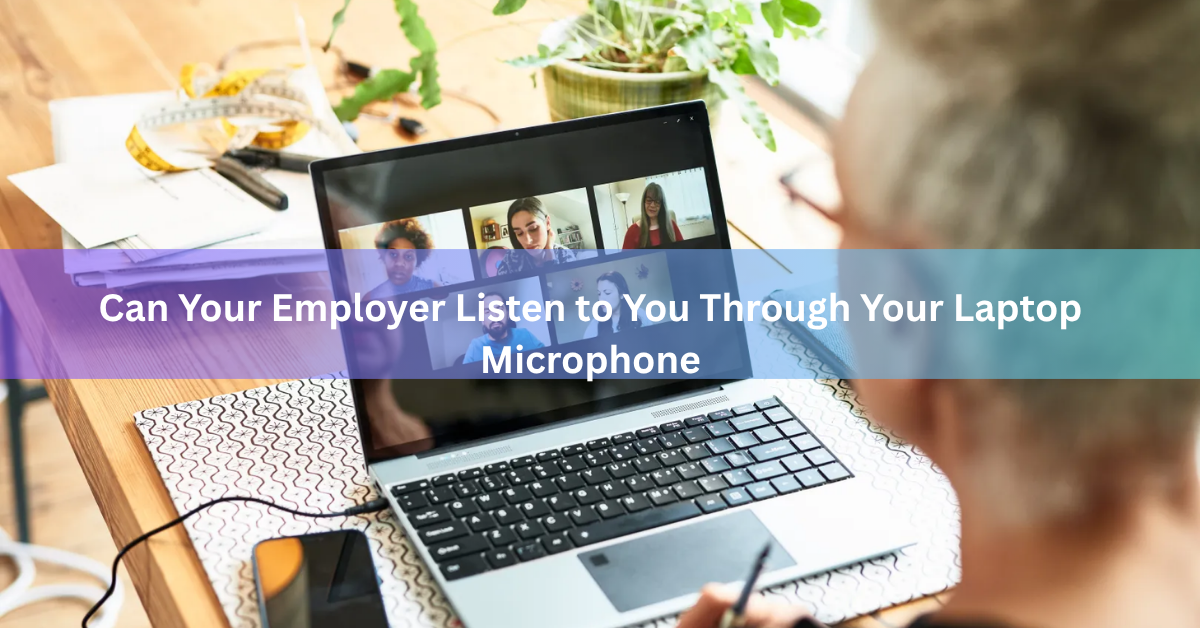
Yes, your employer can listen to you through your laptop microphone, but only under specific conditions. If the laptop belongs to the company and it has monitoring software installed with audio capture switched on, or if you’re in a live call on a work app like Teams or Zoom, your employer can hear you. On a personal laptop your employer doesn’t manage, or when no such software is running, they generally can’t turn on your mic without your knowledge, and doing so in secret would put them on the wrong side of federal and state law.
That answer really splits into two separate questions: what’s technically possible, and what’s legally allowed. Both matter, and they don’t always line up the way people expect.
What has to be true before your employer can hear you?
Three things have to line up. The laptop has to be one the company controls, monitoring software with an audio-capture feature has to be installed on it, and that feature has to be switched on. Miss any one of those and there’s no listening happening.
Most everyday workplace monitoring tools skip microphone capture entirely, because it’s the single most invasive thing the software can do. ActivTrak, for example, has no audio or video surveillance capability at all, no matter how it’s configured. Teramind sits at the other end of the spectrum: it offers live screen and microphone monitoring as a configurable feature, letting an administrator listen in on a session or record audio input in real time. Whether a given company can hear you through the mic often comes down to which product IT bought and which features got turned on, not just whether monitoring exists in general.

It’s worth separating scheduled mic use from covert mic use, because they’re not the same worry. When you join a meeting in Teams, Zoom, or Google Meet, your microphone is live on purpose, and if the host starts a recording, all three apps show a visible banner or icon saying so. That’s expected and out in the open. The actual privacy concern people have in mind is different: a laptop’s mic picking up audio during the hours you’re not in any meeting at all, while you’re just working, or after you’ve stepped away from the desk. That kind of background capture is what dedicated monitoring software would have to be doing, and it’s a much smaller list of products than people assume.
A closed lid or a powered-off laptop changes everything. Closing the lid puts almost every laptop straight to sleep, which cuts power to the microphone along with everything else. A machine that’s fully shut down can’t run any software, audio-capture included. So the mic isn’t a hidden always-on device that stays live around the clock. It only works while the laptop is awake and unlocked, running whatever happens to be listening at that moment, which is usually a video call app rather than anything covert.
Does it matter whether it’s a company laptop or your own?
Yes, and the difference is large. On equipment the company owns, an employer has broad legal room to install monitoring software, on the reasoning that it’s their hardware being used to run their business. Courts have generally let this stand for years, especially for anything that could show up in company records anyway, like emails, chat logs, or files.
Personal devices sit in a different category. If you work from your own laptop, your employer’s rights shrink sharply. They would typically need your explicit agreement, often through a signed bring-your-own-device (BYOD) policy, before installing any monitoring agent, and secretly flipping on your own laptop’s microphone without that consent moves the conversation from workplace policy into wiretapping law. That’s a real legal exposure for a company, not just a privacy complaint.
What does the law actually say about employers recording audio?
Two layers of law apply at once. The Federal Wiretap Act makes it a crime to intercept an oral or electronic communication without the consent of at least one participant, but it carves out an exception for equipment a business provides and uses in the ordinary course of its operations. That exception is the main reason monitoring work email, internet use, and company phone lines has stood up in court for decades.

State law adds a second layer on top of that federal floor, and this is where audio specifically gets stricter. About a dozen states, including California, Illinois, Florida, Pennsylvania, Massachusetts, and Maryland, require every person in a conversation to consent before it can be recorded, not just one. Everywhere else follows a one-party rule, where a single participant’s consent is enough. Since the employee having the conversation usually counts as a party, secretly recording pure business talk on a company device tends to survive, but a personal conversation caught by the same live microphone is a much harder case to defend, and the ordinary-business exception doesn’t automatically cover it.
Which states require your employer to tell you about monitoring?
Only three states currently have a dedicated statute requiring employers to give written notice before they start any kind of electronic monitoring, audio included: Connecticut, Delaware, and New York. Everywhere else, federal law places no disclosure duty on the employer at all, so silence is legal by default.
| State | What the law requires | Penalty for skipping it |
| Connecticut | Prior written notice describing the type of monitoring, plus a notice posted where employees can see it. Starting October 1, 2026, the notice must also name the specific locations covered. | $500 first offense, $1,000 second, $3,000 for each one after that |
| Delaware | A one-time written or electronic notice with employee acknowledgment, or a daily electronic reminder each time an employee logs on to a monitored system | Civil penalties for noncompliance, enforced by the state |
| New York | Written notice at hiring plus a conspicuously posted notice in the workplace | $500 first offense, $1,000 second, $3,000 for third and later violations |
You can read the underlying rule directly on Connecticut’s own statute page, hosted by the state legislature. If you don’t work in one of these three states, your employer isn’t required to tell you what’s being monitored, which is exactly why it’s worth checking your own device’s settings instead of waiting for a memo.
How would you know if your microphone were on?
Windows shows a small microphone icon in the taskbar, near the clock, whenever any app is actively pulling audio from the mic, and hovering over it names the app responsible. Opening Settings, then Privacy & security, then Microphone shows a running list of which apps have used it recently and when. Apple’s macOS does the same thing with a small orange dot in the menu bar. Neither indicator can be faked by an app running normally, though Microsoft’s own support page for camera and microphone privacy notes that some older desktop programs may not always show up in the app list even while they retain access, which is worth knowing before you assume the list in front of you is complete.
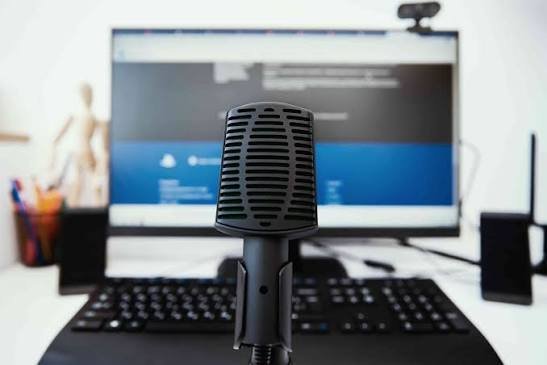
A camera’s LED light is a separate signal and only tells you about the camera, not the mic, so don’t treat a dark webcam light as proof the microphone is quiet too.
Signs worth checking on your own laptop:
- A microphone icon sitting in the taskbar or menu bar when you haven’t opened a calling app
- An unfamiliar entry in your microphone’s recent-access history
- A laptop fan or battery drain that doesn’t match what you’re actually doing
- A company policy document you’ve never been shown, when your state legally requires one
What can you do to protect your privacy?
- Keep personal calls and conversations off the laptop your company owns, even when you’re at home. Use your phone instead.
- Check your microphone’s recent-access log every so often, so an unexpected entry doesn’t sit there unnoticed for weeks.
- Use a physical mic mute button if your laptop has one, or a small microphone blocker for the exposed port if it doesn’t.
- Ask HR or IT directly for the written monitoring policy. In Connecticut, Delaware, and New York they’re required to have one and show it to you; elsewhere, asking still tends to get you a straight answer.
- On a personal laptop used for remote work, keep the company’s software confined to its own profile or virtual desktop session, and close that session fully when the workday ends rather than just minimizing it.
If you wouldn’t want a conversation to show up in a company audit log, have it away from the laptop that runs the company’s software. That single habit solves most of the actual risk.
Frequently asked questions
Can my employer turn on my microphone without telling me?
On company-owned equipment, usually yes, since only Connecticut, Delaware, and New York legally require written notice before any electronic monitoring begins. Everywhere else, silence is legal by default.
Can my employer listen to me when my laptop is closed or turned off?
No. Closing the lid puts almost every laptop to sleep, cutting power to the microphone, and a fully powered-off machine can’t run any software at all, audio capture included.
Is it different if I use my own laptop instead of a company one?
Yes. Employers have far less legal room to activate a personal device’s microphone, and usually need your specific written consent, often through a signed BYOD policy, before installing anything.
Can employee monitoring software like Teramind actually record audio?
Some platforms, including Teramind, offer live microphone and system audio capture as a configurable feature. Other widely used tools, such as ActivTrak, have no audio recording capability at all.
What should I do if I think I’m being secretly listened to?
Check your microphone’s recent-access log in your device’s privacy settings, ask HR for the written monitoring policy, and move any private conversation to a personal phone instead.
Conclusion
Your employer can listen through your laptop microphone if the laptop is company-owned, monitoring software with audio capture is installed and turned on, or you’re on a work call. None of that happens on a personal, unmanaged laptop, or while the mic sits idle. Check your device’s privacy settings, ask for your company’s written monitoring policy, and keep truly private conversations on a phone or computer your employer doesn’t touch.
Recommended Article:
Laptop Radiation Protection: What Actually Works
How to Use a Firestick on a Laptop
Dell XPS vs Inspiron: Which Laptop Should You Buy?
Acer Laptop Won’t Switch On? Here’s How to Fix It
Laptop Battery Draining Quickly? Here’s Why and How to Fix It