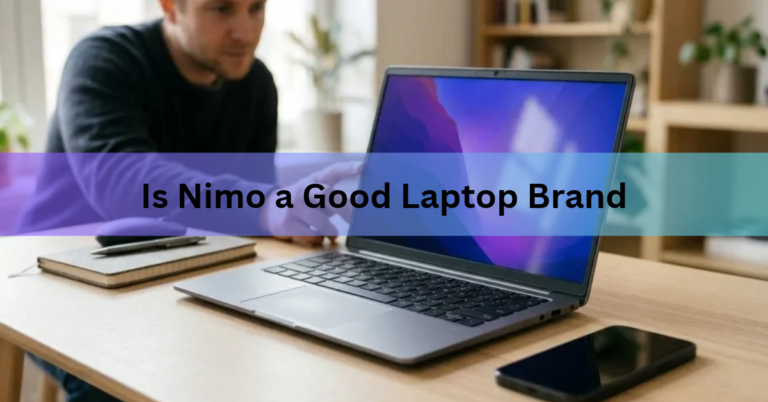
Is Nimo a Good Laptop Brand? What to Know Before You Buy
Nimo is a good laptop brand if you want a lot of processing power for little money and can live…
Nimo is a good laptop brand if you want a lot of processing power for little money and can live…
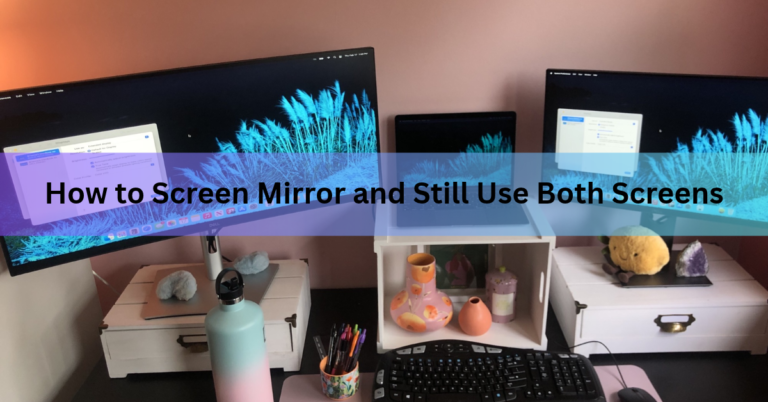
A mirrored screen shows exactly what the other screen shows, so you can’t use the two for different jobs at…
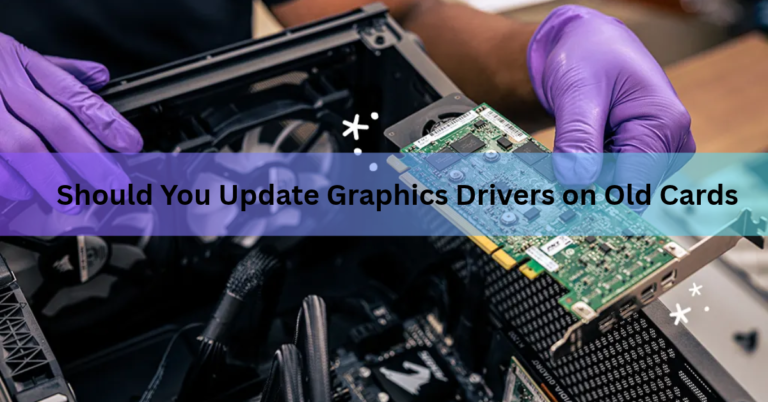
Only update the driver on an old graphics card when you have a reason. If the card runs your games…

Laptop specifications, or specs, are the hardware details that describe what a laptop is made of and how well it…
A 14-inch laptop has a screen that measures 14 inches (35.56 cm) from one corner to the opposite corner. The…
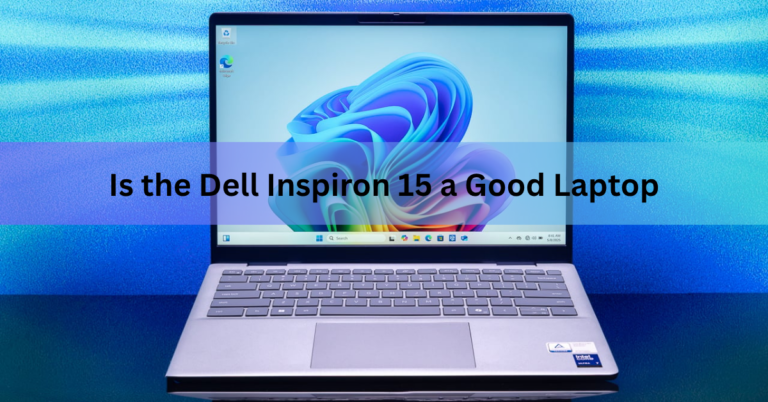
Yes, the Dell Inspiron 15 is a good laptop for everyday use. It handles web browsing, Office work, video calls,…
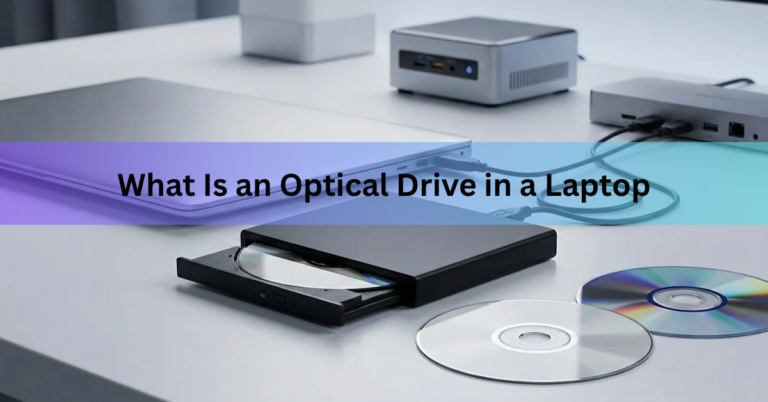
An optical drive in a laptop is the built-in slot or pull-out tray that reads CDs, DVDs, and on some…
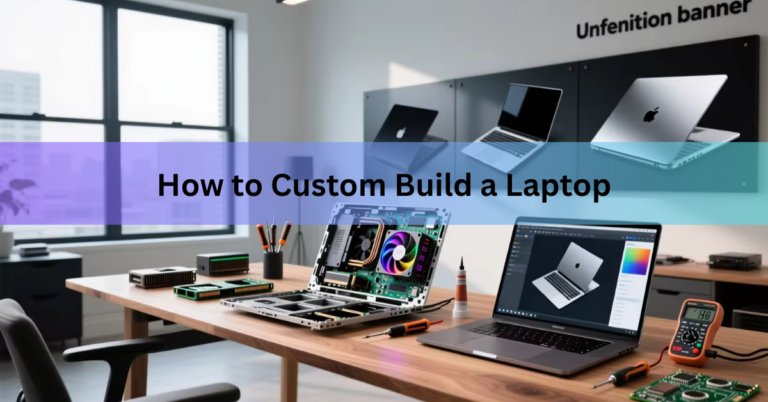
You can custom build a laptop in three ways: configure one to order on a maker’s website, upgrade the laptop…
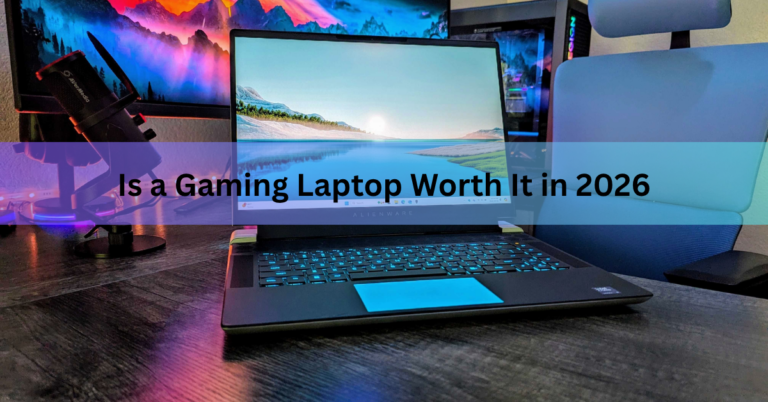
A gaming laptop is worth it if you need to play games in more than one place and you buy…
You can’t add touch to a screen that wasn’t built for it, but you can still get full touch control…