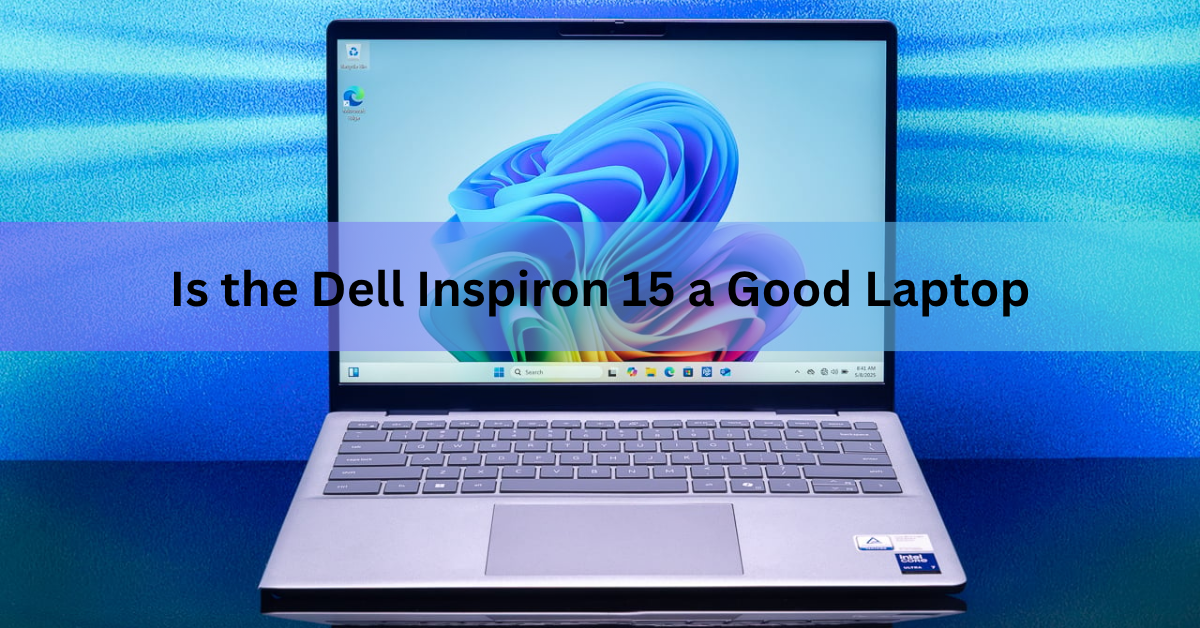
Yes, the Dell Inspiron 15 is a good laptop for everyday use. It handles web browsing, Office work, video calls, online classes and streaming without fuss, it is easy to upgrade, and it usually costs between $400 and $800. It is not a good laptop for serious gaming, video editing or anyone who wants a bright, colour-accurate screen.
There is one thing to know before you shop. Dell retired the Inspiron name in January 2025. Any “Inspiron 15” on sale today is leftover 2023 or 2024 stock, a refurbished unit, or a retailer still using the old name for its replacement, the Dell 15. The hardware philosophy did not change, so this guide covers both.
The short version: buy one with 16GB of RAM and the Full HD 120Hz screen, skip the 8GB models, and you will get a dependable machine that lasts four or five years.
What does “Inspiron 15” mean in 2026?
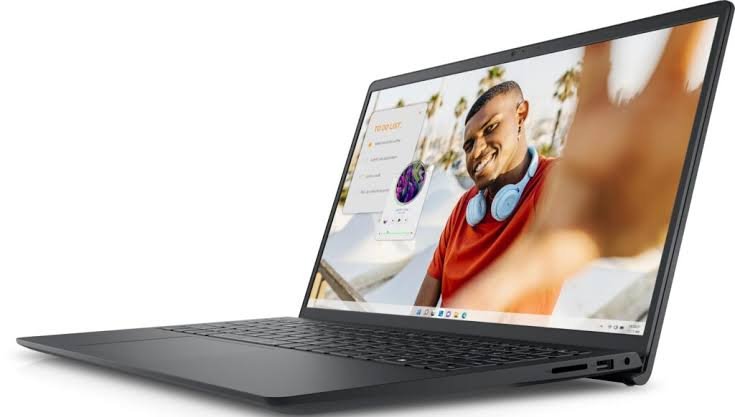
Inspiron 15 was never one laptop. It was Dell’s mainstream consumer line in a 15.6-inch body, sold in several tiers for almost three decades. The 3000 series (models like the 3520, 3530 and 3535) was the budget tier. The 5000 series (5530, 5535) was the mid-range step up, with better screens and metal lids. The 7000 series was the premium end and often came as a 2-in-1.
At CES on 6 January 2025, Dell dropped the Inspiron, XPS, Latitude and Precision names and moved to three plain families: Dell, Dell Pro and Dell Pro Max. The old Inspiron slot is now filled by the base “Dell” tier, and the direct successor to the Inspiron 15 is the Dell 15 (model DC15250). XPS was brought back as a brand at CES 2026 after public pushback, but Inspiron stayed retired.
What this means for you as a buyer:
- A new unit badged Inspiron 15 is old inventory, usually a 3530 (Intel 13th-gen) or 3535 (AMD Ryzen) from 2023 to 2024. It still carries a full Dell warranty and is often discounted.
- A new unit badged Dell 15 is the current model. It uses the same 15.6-inch chassis style, the same Intel U-series processor class and the same price band. Some retailers still list it as “Inspiron 15 15250”.
- Refurbished Inspiron 15 units from 2021 and 2022 (3511, 3520) are cheaper but use older 11th and 12th-gen chips and slower DDR4 memory.
For the rest of this article, “Inspiron 15” means the recent 3530, 3535 and the Dell 15 that replaced them, because those are the models you will actually find on a shelf.
How fast is a Dell Inspiron 15 in daily use?
Fast enough that you will not think about it, provided you avoid the 8GB models. The processors on offer are all low-power chips built for office work, not heavy lifting.
The current Dell 15 comes with three Intel options: the Core 3 100U (6 cores), the 13th-gen Core i5-1334U (10 cores, up to 4.6GHz) and the Core i7-1355U (10 cores, up to 5.0GHz). The 2023 Inspiron 15 3530 used the near-identical i3-1305U, i5-1335U and i7-1355U, and the 3535 used AMD Ryzen 5 and Ryzen 7 7000-series chips. All of them run at a 15-watt power limit, which is why a Core i7 in this laptop feels closer to a Core i5 in a bigger machine. Under a long workload the chassis keeps power low to stay cool and quiet, so sustained performance is modest.
For what most people do, that does not matter. A dozen browser tabs, Word, Excel, Teams, a 1080p video in the background: the i5 handles all of it at once with no lag. Light photo editing and short video clips are fine too. Where you will feel the ceiling is 4K video export, 3D work, or modern games above low settings.
Memory is the real performance switch. The base model ships with a single 8GB stick. On these chips that means single-channel memory, which cuts both processor and graphics performance and leaves Windows 11 with little headroom once a browser is open. The good news is that the laptop has two user-accessible SODIMM slots. A second 8GB stick costs about $20 to $30 and gives you 16GB in dual-channel, which is a bigger real-world upgrade than moving from an i5 to an i7.
Tip: If the price gap between the 8GB and 16GB models is more than $40, buy the 8GB version and add a matching stick yourself. The bottom panel comes off with a few screws.
Storage is a PCIe 4.0 NVMe SSD in 512GB or 1TB, and the slot is replaceable, so a cheap 2TB upgrade later is easy. Graphics are Intel’s built-in UHD or Iris Xe, or AMD Radeon on the Ryzen models. Older esports titles run at 1080p on low to medium settings; anything newer and heavier does not.
Screen, keyboard, build and battery: where it gives ground
The screen is the biggest compromise, followed by battery life. Everything else is average to good for the price.
| Area | What you get on the Dell 15 / Inspiron 15 3530 |
| Display | 15.6-inch Full HD (1920 x 1080) IPS, anti-glare, 250 nits, 120Hz on non-touch models; a 60Hz touch option exists |
| Colour coverage | About half of the sRGB range on the plastic model, so colours look flat |
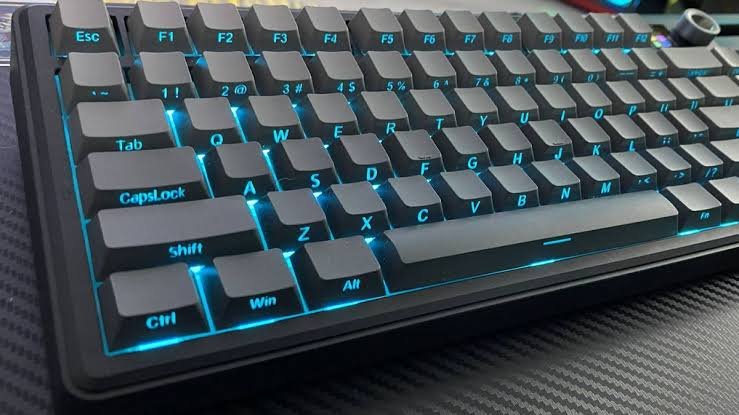
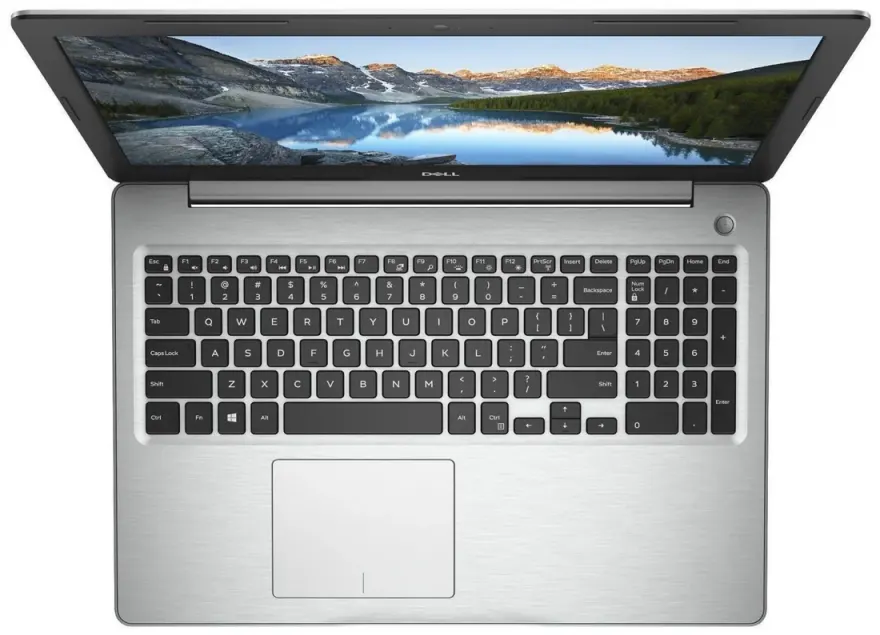
| Keyboard | Full-size with a number pad; backlight is optional and missing on many budget configs |
| Battery | 41Wh, three-cell; about 5 hours of video playback, 6 to 8 hours of light office use |
| Weight and thickness | About 1.65 to 1.9kg, 15.5 to 19mm thick |
| Ports | 1x USB-C, 2x USB-A, HDMI 1.4, SD card reader, 3.5mm jack |
| Webcam | 720p on the plastic chassis, FHD on the aluminum version |
| Upgrades | Two RAM slots, replaceable SSD, Wi-Fi card, battery and fan |
The display is sharp enough for text and the 120Hz refresh makes scrolling and cursor movement feel smoother than the 60Hz panels on most rivals at this price. But 250 nits is dim for a bright room and useless outdoors, and the narrow colour range rules it out for photo or design work. The panel also uses low-frequency PWM dimming below full brightness, which bothers a minority of people with sensitive eyes. If that is you, keep brightness at 100 percent or use an external monitor.
Battery life is the other soft spot. A 41Wh cell in a 15-watt laptop is small. Expect to charge every working day, and carry the 65W adapter if you will be away from a desk for more than half a day. USB-C charging works on the aluminum chassis but not on the cheaper plastic one, where the USB-C port is data-only.
The keyboard is roomy, the number pad is useful for spreadsheets, and the trackpad is fine. Build quality is better than the price suggests: the plastic lid flexes a little but the deck is firm, and the hinges hold. The Carbon Black finish hides fingerprints well. Speakers are loud enough for calls and not much more.
One annoyance you should plan for: Dell ships a McAfee trial and several Dell utilities preinstalled. Removing them takes ten minutes and makes the laptop feel quicker.
Who should buy a Dell Inspiron 15, and who should not?
It is a good buy for students, home users and office workers who want a big screen, a full keyboard and a laptop that will still be running in five years. It is a poor buy for gamers, creators and frequent travellers.
It suits you if:
- You mostly work in a browser, Office, email and video calls, and want a 15-inch screen for the space.
- You sit at a desk or table most of the time and can plug in once a day.
- You want to upgrade memory and storage yourself instead of paying Dell’s prices up front.
- You value Dell’s support network, onsite repair options and easy spare parts over a thinner or prettier design.
- Your budget is $400 to $700 and you would rather have a reliable all-rounder than a specialist.
Look elsewhere if:
- You game beyond older esports titles. There is no dedicated graphics card and no way to add one.
- You edit photos or video for money. The screen’s colour coverage is too narrow to judge your work.
- You need all-day battery on the move. Five to eight hours is the honest range.
- You carry the laptop every day. At 1.65 to 1.9kg it is heavier than a 14-inch model by about half a kilogram.
- You want a premium feel. The plastic chassis is sturdy but plain, and the webcam on that version is 720p.
Which Inspiron 15 (or Dell 15) configuration is worth buying?
The sweet spot is a Core i5-1334U or i5-1335U (or Ryzen 5 on the 3535), 16GB of RAM, a 512GB SSD and the 120Hz non-touch screen. In the US that configuration has sold for $500 to $650 on Dell’s own Dell 15 laptop page during 2026, and the 8GB version has dipped to $399.
Use this checklist when you compare listings:
- RAM: 16GB, or 8GB with a plan to add a stick. Never run it on a single 8GB module long-term.
- Screen: Full HD 120Hz, non-touch. The touch option drops to 60Hz, and older 3000-series listings sometimes hide a 1366 x 768 panel. Reject anything that is not 1920 x 1080.
- Processor: Core i5 or Ryzen 5. The Core 3 100U and i3 are fine for pure browsing but age faster. The i7 adds little in this 15-watt chassis; spend that money on RAM instead.
- Chassis: aluminum if you can. It brings the FHD webcam, dual microphones and a USB-C port that charges and drives a monitor. The plastic version loses all three.
- Storage: 512GB minimum. The slot is replaceable, so do not pay Dell’s premium for 1TB.
- Backlit keyboard: check the listing. It is optional and often missing on the cheapest configs.
If you find a new, warrantied Inspiron 15 3530 with 16GB and the 120Hz screen for under $500, that is a better deal than a base Dell 15, because the chips are the same generation. A 3520 or 3511 at $350 is only worth it if the screen is Full HD and the price gap to a 3530 is $150 or more.
How does it compare with HP, Lenovo and Asus at the same price?
The Inspiron 15 and Dell 15 trade blows with the HP 15, Lenovo IdeaPad Slim 3 and Asus Vivobook 15 rather than beating them outright. Where Dell pulls ahead is the 120Hz screen, which is rare at this price, and serviceability: two RAM slots, a replaceable battery and fan, and a bottom panel that comes off easily. Dell’s repair network and onsite service options are also broader in most countries.
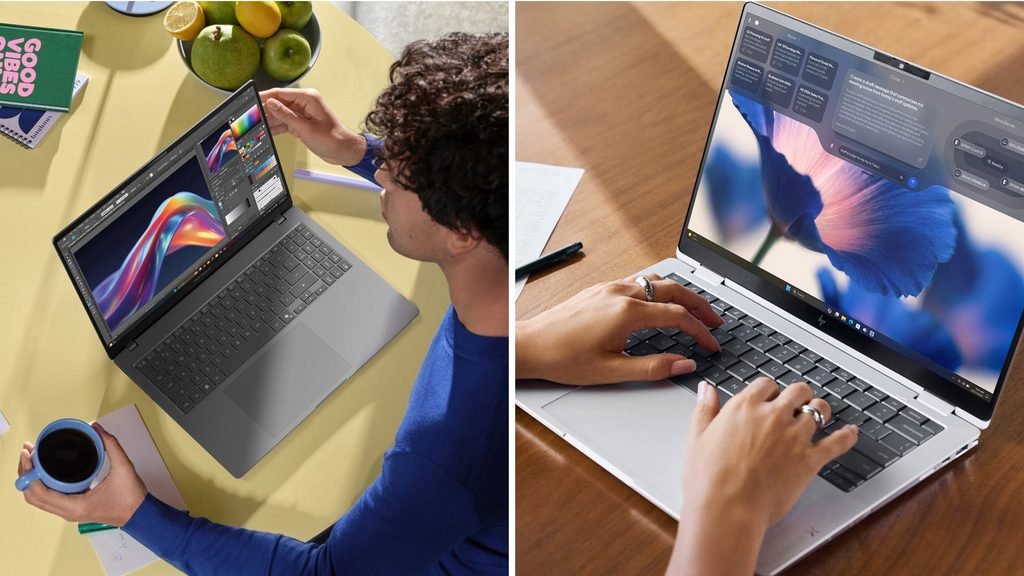
Where rivals pull ahead: the IdeaPad Slim 3 and Vivobook 15 are often lighter and come with a backlit keyboard as standard at the same price. Several Lenovo and Asus models offer a larger battery, and some use AMD Ryzen chips with stronger integrated graphics for light gaming. HP’s 15-inch line tends to match Dell on price while offering more colour choices.
In practice the decision usually comes down to the deal in front of you. If the Dell is within $50 of a rival with the same RAM and a Full HD screen, the 120Hz panel and easy upgrades make it the safer pick. If the rival is cheaper by more than that, or you need the lighter weight, take the rival.
Frequently asked questions
Is the Dell Inspiron 15 good for students?
Yes. The big screen, full keyboard with number pad and easy RAM upgrade make it a solid study laptop. Pick the 16GB model and plan to charge daily, since battery life runs five to eight hours. The 1.65kg weight is the main drawback for a daily commute.
Is the Dell Inspiron 15 good for gaming?
Only for light gaming. It has no dedicated graphics card, so older or esports titles run at 1080p on low to medium settings, and newer games do not run well. For real gaming at this budget you need a laptop with a dedicated GPU.
Is the Dell 15 the same as the Inspiron 15?
Essentially yes. Dell retired the Inspiron name in January 2025 and the Dell 15 (model DC15250) took its place with the same 15.6-inch Full HD design, Intel U-series chips and price range. Anything still badged Inspiron 15 is older stock or a refurbished unit.
How long does a Dell Inspiron 15 last?
Four to five years of normal use is realistic. Because the RAM, SSD, battery and Wi-Fi card are all replaceable, you can refresh it cheaply at the three-year mark instead of replacing the whole laptop.
Can I upgrade the RAM on the Dell Inspiron 15?
Yes. The recent 3530, 3535 and Dell 15 have two SODIMM slots under the bottom panel. Add a second stick that matches the first to get 16GB in dual-channel, which noticeably improves performance on the 8GB models.
Conclusion
The Dell Inspiron 15 is a good laptop for everyday work and study, and the Dell 15 that replaced it carries on the same formula. Buy the Core i5 or Ryzen 5 model with 16GB of RAM and the Full HD 120Hz screen, pay $500 to $650, and you get a sturdy, upgradeable machine that will handle browsing, Office and video calls for years. Skip it if you need long battery life, a colour-accurate screen or real gaming power.
Recommended Articles:
How to Optimize Your Gaming Laptop for 4K (Without Buying a New One)
How to Custom Build a Laptop: Configure, Upgrade, or Assemble One Yourself
Yes, You Can Turn Off a Touch Screen on Windows (Here’s How)
How to Select a Desktop Computer: A Step-by-Step Guide for 2026
How to Upgrade the CPU in a Laptop (and When You Actually Can)