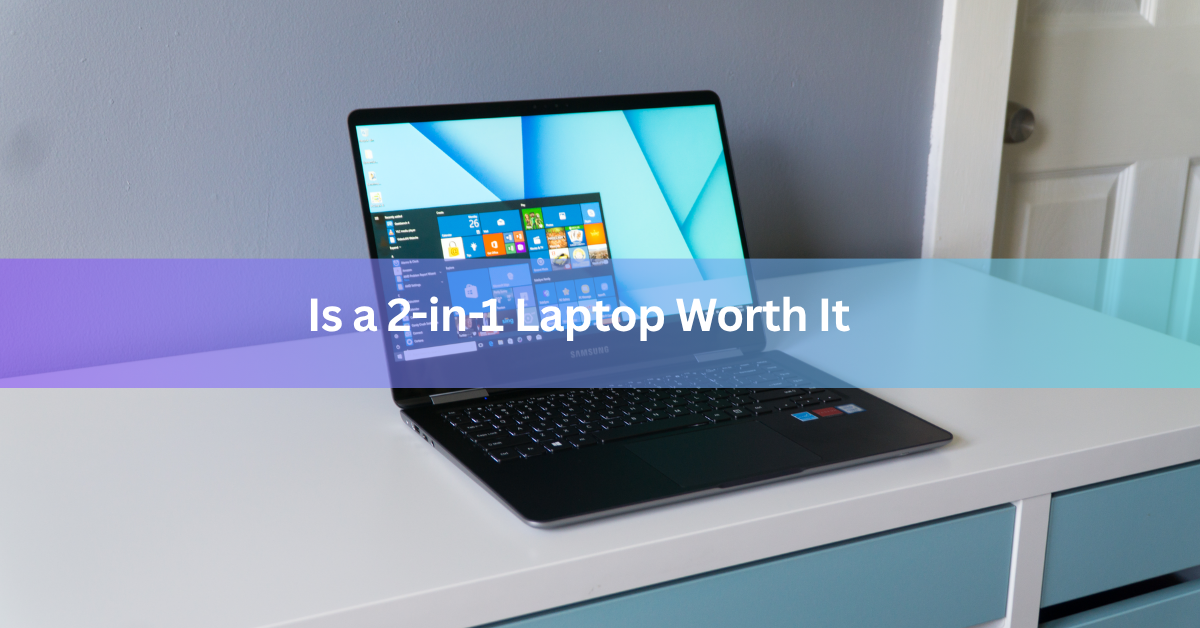
A 2-in-1 laptop is worth it if you will regularly use the touchscreen, a pen, or tablet mode. If you mostly type, browse, and stream, a regular laptop gives you more speed, more ports, and better battery life for the same money.
That is the whole decision in two sentences. The rest of this guide helps you see which side you land on, what a 2-in-1 really costs once you add the extras, and what to check before you buy.
What is a 2-in-1 laptop?
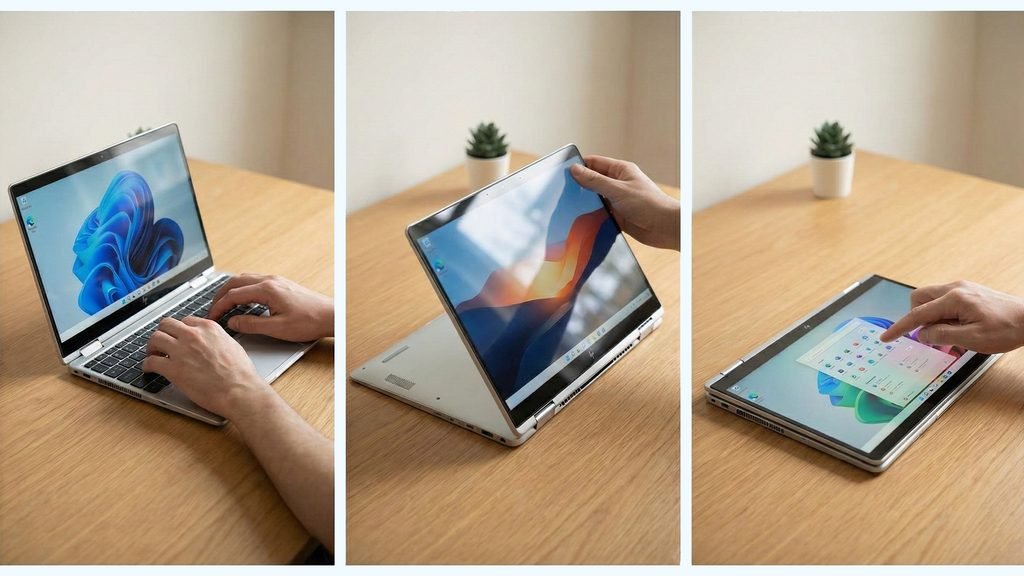
A 2-in-1 is a laptop with a touchscreen that can also work like a tablet. It comes in two designs, and they feel quite different in daily use.
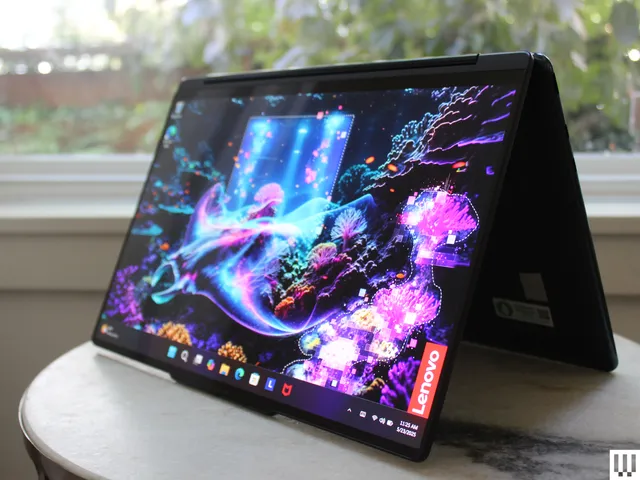
A convertible has a hinge that folds back 360 degrees. The keyboard stays attached, so the screen can sit in laptop, tent, stand, or tablet position. Lenovo’s Yoga range and the HP Spectre x360 are well-known examples.
A detachable is a tablet first. The keyboard pops off, and the processor, battery, and screen all live behind the display. The Microsoft Surface Pro is the best-known one. On most detachables, the keyboard is a separate purchase.
When is a 2-in-1 laptop worth it?
It pays off when you will use the extra modes every week. These are the situations where it does.
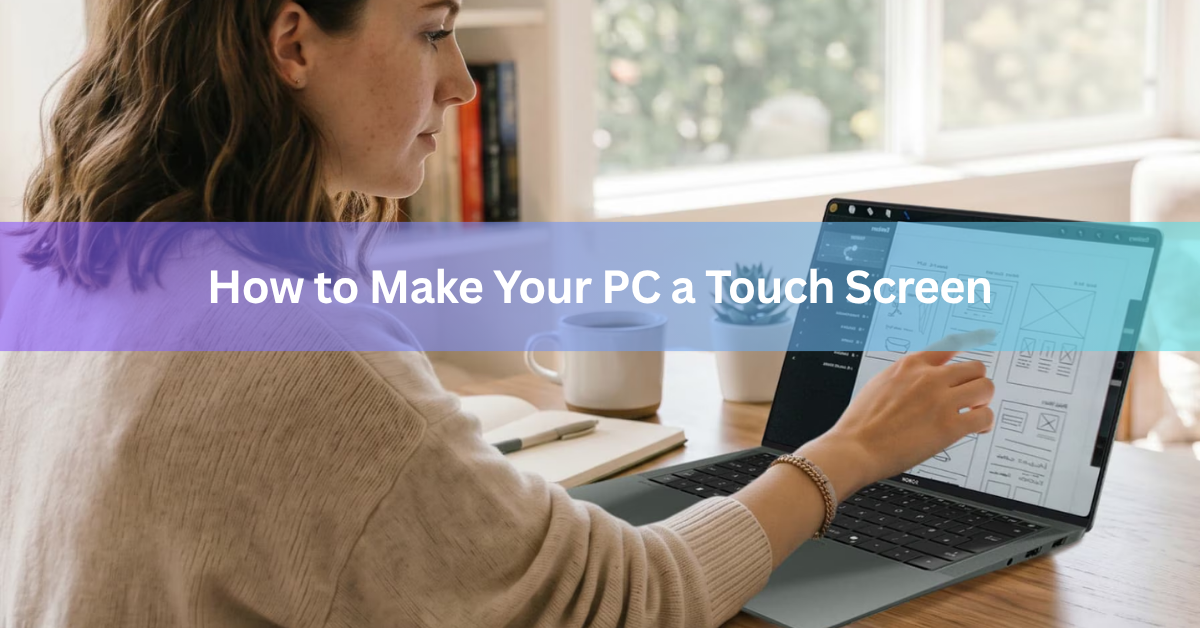
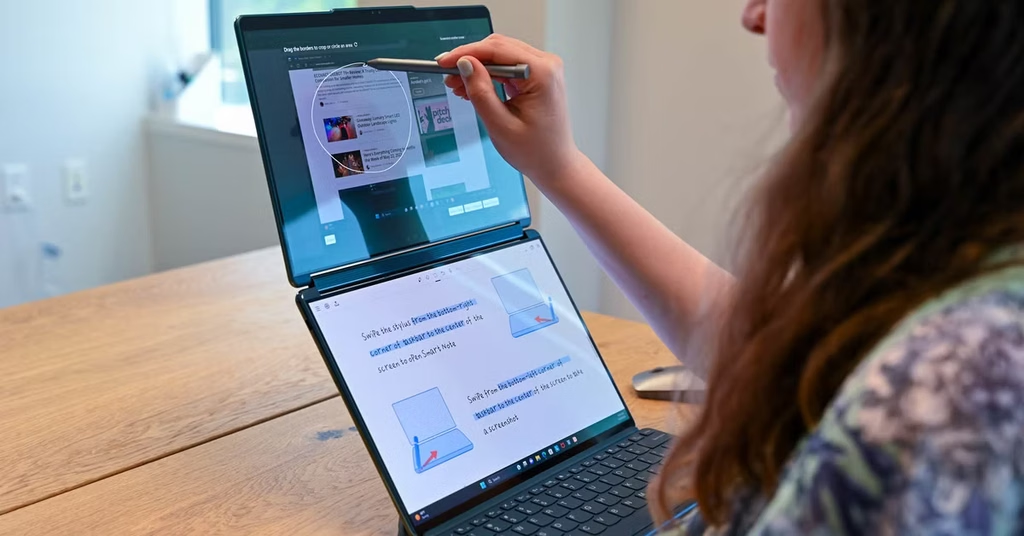
You write or draw by hand. Handwritten notes, marked-up PDFs, and quick sketches are the strongest reasons to buy one. A pen on a pressure-sensitive screen feels close to paper, and a standard laptop cannot do this at all. Students who annotate lecture slides and designers who sketch ideas get the most out of it.
You want one device instead of two. A 2-in-1 can replace both a laptop and a tablet. If you were going to buy both anyway, one machine can cost less than two, though the cost section below explains the catch.
You present or share your screen. Tent and stand modes let you set the screen on a narrow table and show slides, a menu, or a video to the person across from you. Touch also makes it easy to scroll through a document together.
You use it on the couch or on the move. Folding the keyboard out of the way is comfortable for reading or watching a film in bed, and it works the same on a train or a plane.
Most people who love their 2-in-1 do at least one of these things every week. If you cannot name one, the next section is for you.
When is a 2-in-1 laptop not worth it?
Skip it if you will spend nearly all your time typing at a desk or on your knees. Then you pay for a folding hinge and a touch layer that you never use. Here are the trade-offs.
- Price. A hinge that folds flat is more complex than a normal one, and that extra engineering shows up in the price. Compared with a standard laptop with the same processor, memory, and storage, a 2-in-1 usually costs more. At the same price, it usually has weaker parts.
- Weight. Most 360-degree convertibles weigh around 3 pounds (about 1.4 kg), roughly double a tablet like an iPad. Holding one in tablet mode gets tiring after a few minutes, so many owners rarely use that mode.
- Ports and heat. Thin, foldable bodies leave less room for ports and cooling. Expect fewer ports than on a standard laptop, and more heat when the machine works hard.
- Raw power. Gaming, video editing, and 3D work run better on a regular laptop. The same money buys a stronger processor and graphics chip, and there is more space to cool them.
- Touch apps. A Windows 2-in-1 runs full desktop software, but it has fewer apps built for touch than an iPad or an Android tablet.
Quick test: if you cannot name one task you would do with touch or a pen every week, a regular laptop is the better buy.
What does a 2-in-1 laptop really cost?
The price tag is only part of the story, especially with detachables. The Surface Pro is a good example: it ships without a keyboard, a pen, or a Microsoft 365 subscription. Each one is a separate purchase on the Microsoft Store.
Keyboards and pens often add a hundred dollars or more each, so add them up before you compare with a laptop. A convertible includes its keyboard, since it is built in. Check whether a pen comes in the box, because some models include one and some do not.
If you want the low-cost route, look at a budget Chromebook 2-in-1. It runs lighter software, but it costs less and suits browsing, email, and schoolwork well.
Convertible or detachable: which one should you get?
Pick by how you will hold the device. If you type more than you tap, a convertible is the safer choice. If you hold it, read on it, or draw on it more than you type, a detachable fits better.
| Convertible (360-degree hinge) | Detachable | |
|---|---|---|
| Best for | Typing, lap use, all-round laptop work | Handheld use, notes, drawing, media |
| Keyboard | Built in and always attached | Snaps on, often sold separately |
| On your lap | Stable, like a normal laptop | Kickstand needs a flat, firm surface |
| As a tablet | Heavy, around 3 lb (1.4 kg) | Much lighter and easier to hold |
| Ports | Usually more room for ports | Usually fewer ports |
| Total cost | Keyboard included | Tablet, keyboard, and pen add up |
Is a 2-in-1 better than a laptop plus a tablet?
For heavy tablet use, a separate tablet is the better tablet. It is lighter, its apps are made for touch, and the battery usually lasts longer. A 2-in-1 wins on cost and convenience, because you buy, charge, and carry only one device.
Choose the 2-in-1 if you need full Windows software on a touchscreen, such as a desktop drawing app or Office with a pen. Choose the pair if your tablet time is mostly reading, video, and games.
Are 2-in-1 laptops as durable as regular laptops?
A 2-in-1 has more moving parts than a regular laptop, and the hinge does most of the extra work. A firm hinge holds the screen steady in every position. A loose one wobbles when you tap or write, and that is the first sign of a weak build. Spending a little more on a well-reviewed model usually buys a better hinge.
Detachables add a connector between the screen and the keyboard. Look for a snug, magnetic fit that does not rattle or lift at the edges. Whichever type you pick, add a case or sleeve, since you will touch and carry the screen far more than you would on a normal laptop.
Who gets the most out of a 2-in-1 laptop?
Students who write notes by hand get the clearest payoff. One device covers typing essays, marking up slides, and reading on the bus. If your notes are typed, a regular laptop does the same job for less.
Office workers who spend the day in documents, email, and video calls will not use the folding features much. A convertible is a fine choice, but touch is a small extra rather than a reason to pay more.
Artists and designers who sketch ideas get the most from a detachable with a good pen. It works like a digital sketchbook that also runs full desktop software.
Home users who browse, stream, and cook from recipes on the couch do well with a convertible or a budget Chromebook 2-in-1. Heavy gamers and video editors should skip the category and buy a standard laptop with a stronger chip.
What should you check before buying a 2-in-1 laptop?
A few quick checks will save you from the most common regrets.
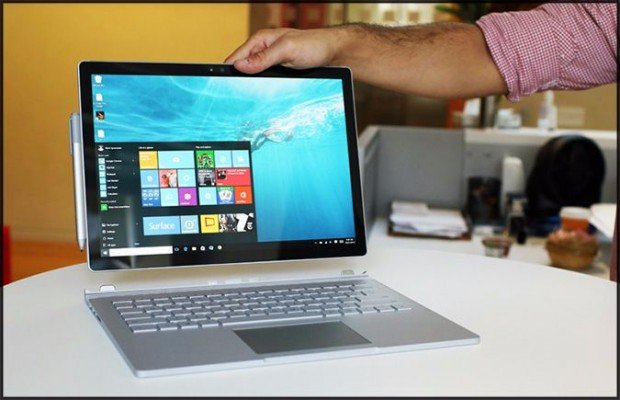
- Hinge. Open it fully and give the screen a light tap. A loose hinge makes the screen wobble in stand and tablet modes, and you will use this hinge far more than the one on a normal laptop.
- Weight. If you plan to use tablet mode, pick the lightest model you can afford. Anything much heavier than 3 pounds is tiring in one hand.
- Pen support. Confirm the pen works with that exact model, and whether it is in the box.
- Battery. Look for independent tests of web browsing time. Some current models last around 10 hours, and a few come close to 14.
- Ports. Count them. Make sure you have the USB-C or other ports you need for a monitor, drive, or charger.
- Memory and storage. Buy enough at the start, because thin bodies leave little room to upgrade later.
Frequently asked questions
Are 2-in-1 laptops good for students?
Yes, especially for note-taking. A pen lets you write on lecture slides and mark up PDFs, and one device replaces a laptop and a tablet. If your courses are mostly typing and research, a regular laptop gives you more power for less money.
Do 2-in-1 laptops break more easily than regular laptops?
Not necessarily, but they have more moving parts. The folding hinge is the part to check. A firm, well-built hinge should last for years, while a loose one wobbles early. Test the hinge in a store and read long-term reviews before you buy.
Is a 2-in-1 laptop good for gaming?
Not the best choice. A regular laptop spends the same money on a stronger processor and graphics chip, with more room to keep them cool. A 2-in-1 handles casual games fine, but for serious gaming, pick a standard gaming laptop.
Can you use a 2-in-1 laptop as a tablet all day?
It depends on the type. A detachable is light enough to hold for long stretches. A 360-degree convertible weighs about 3 pounds, so holding it in one hand gets tiring fast. It works better propped on a table or your lap.
Do 2-in-1 laptops have good battery life?
It varies by model. Some last around 10 hours of web browsing and a few come close to 14. Battery life depends more on the specific screen, processor, and battery size than on whether the laptop folds, so check independent battery tests.
Conclusion
A 2-in-1 laptop is worth it if you will use touch, a pen, or tablet mode every week, and it is not worth it if you mostly type. Pick a convertible for typing with some tablet use, and a detachable for notes, drawing, and handheld use. Add up the keyboard and pen before you compare prices, test the hinge, and check the weight. A good buy is one where the flip-and-draw features get used often enough to justify the extra cost.
Recommended Articles:
Can Your Employer Listen to You Through Your Laptop Microphone?
Acer Laptop Won’t Switch On? Here’s How to Fix It\