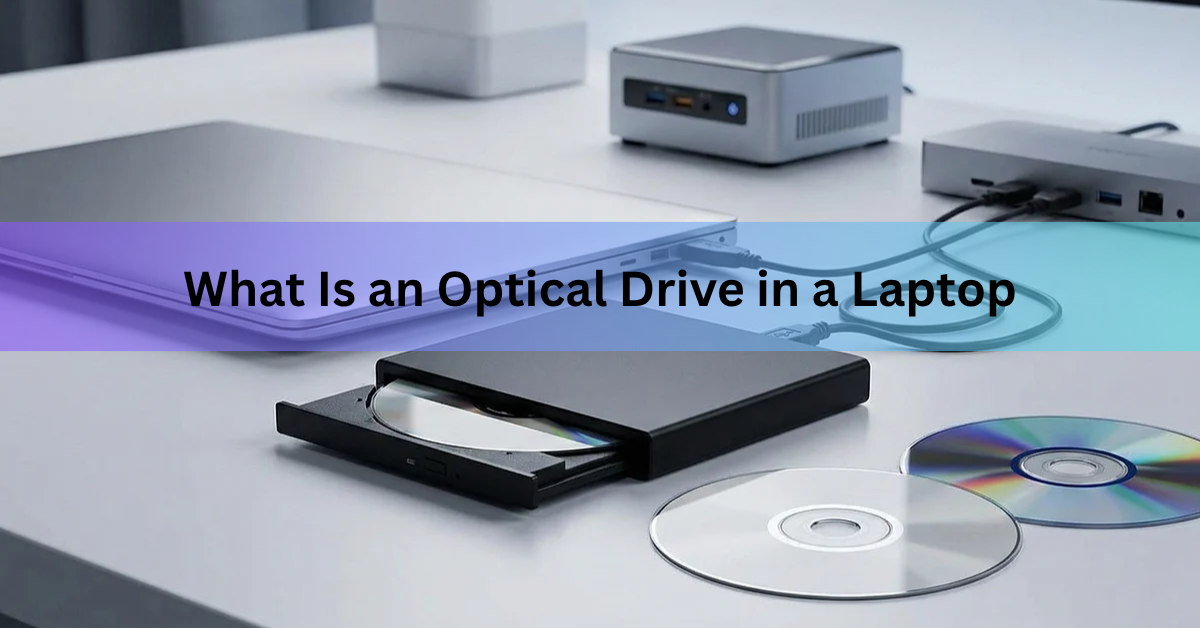
An optical drive in a laptop is the built-in slot or pull-out tray that reads CDs, DVDs, and on some models Blu-ray discs. It uses a thin laser beam to read the tiny pits pressed into a spinning disc, and most laptop drives can also write (burn) data onto blank discs.
Almost every laptop sold today leaves it out. Thin designs, cheap USB flash drives, and streaming made the drive dead weight for most people. If you still need to read a disc, a USB external drive that costs about $20 to $40 does the same job.
Here is how the drive works, how to tell if your laptop has one, the types you will come across, and the simplest way to handle discs on a laptop that has no drive at all.
What does an optical drive do?
An optical drive lets your laptop read, play, and often write optical discs. “Optical” simply means it works with light instead of magnets (hard drives) or memory chips (SSDs and flash drives).
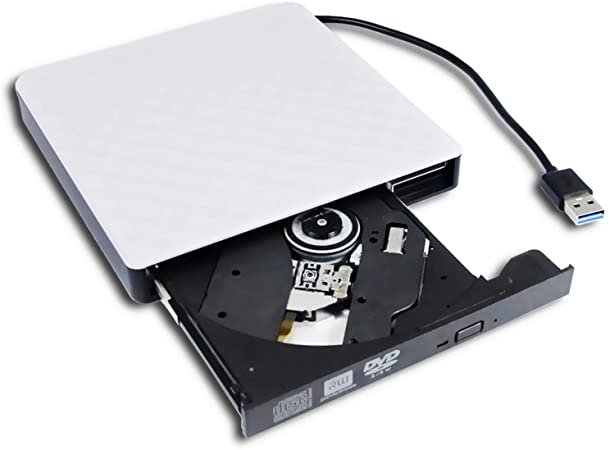
In day-to-day use, that means four things:
- Playing a DVD movie or an audio CD.
- Installing software or a game that came on a disc.
- Opening old discs of photos, documents, or backups.
- Burning files onto a blank CD or DVD to share or store them.
Reading is the common job. Writing needs a drive with “RW” or “±RW” in its name, plus a blank disc that matches the drive.
How does a laptop optical drive work?
A motor spins the disc while a laser pickup head moves across its surface and reads the reflected light. Data on a disc is stored as tiny pits and flat areas along a spiral track. The laser bounces off these, a sensor turns the light pattern into ones and zeros, and the laptop reads that as a file, a song, or a movie.
Writing works the other way round. A stronger laser heats a dye or metal layer on a blank disc and changes it in a pattern the drive can read back later.
Laptop drives are “slim” drives. They are 12.7 mm tall, or 9.5 mm on thinner “ultra slim” designs, against about 41 mm for a desktop drive. That small motor is also why a laptop drive is slower than a desktop one. A slim DVD drive usually reads at up to 8x, while desktop drives often reach 16x or 24x.
There are two loading styles:
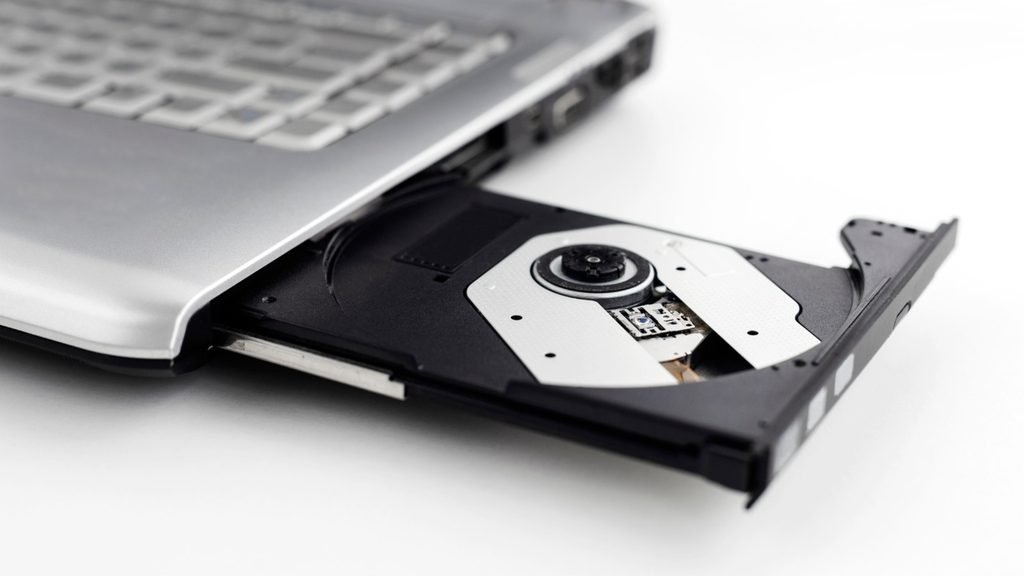
- Tray loading. Press a button, a plastic tray slides out, and you set the disc on it. This is what most Windows laptops used.
- Slot loading. You push the disc into a thin slit and the drive pulls it in, like a car stereo. Apple laptops used this style. Slot drives cannot take the small 8 cm mini discs.
Which types of optical drive do laptops have?
The drive type decides which discs you can read and which you can write. The name on the spec sheet tells you what you have.
| Drive type | Reads | Writes | Typical disc capacity |
|---|---|---|---|
| CD-ROM / CD-RW | CDs | CDs (CD-RW only) | 700 MB |
| DVD-ROM | CDs, DVDs | Nothing | 4.7 GB |
| DVD Super Multi (DVD±RW) | CDs, DVDs | CDs, DVDs | 4.7 GB, or 8.5 GB dual layer |
| Blu-ray combo (BD-ROM) | CDs, DVDs, Blu-ray | CDs, DVDs | 25 GB |
| Blu-ray writer (BD-RE) | CDs, DVDs, Blu-ray | CDs, DVDs, Blu-ray | 25 GB, or 50 GB dual layer |
Most laptops that had a drive at all came with a DVD Super Multi drive, so they could read and burn both CDs and DVDs. Blu-ray drives turned up mainly on larger media and gaming laptops, because the drive and its licensing cost more.
A DVD drive cannot play a Blu-ray disc. The two use different laser wavelengths (650 nm red for DVD, 405 nm blue-violet for Blu-ray), so the hardware has to be built for it.
How do I know if my laptop has an optical drive?
Look at the sides of the laptop. A built-in drive shows up as a long thin flap or slit on the left or right edge, often with a tiny eject button and a pinhole for manual eject. If the sides only have USB ports, an HDMI port, and a headphone jack, there is no drive.
You can also check in the operating system:
- On Windows, open File Explorer and click This PC. A drive labeled “DVD RW Drive (D:)” or similar means you have one. You can also open Device Manager and look for a “DVD/CD-ROM drives” entry.
- On a Mac, click the Apple menu, choose About This Mac, then System Report, and look under “Disc Burning.” Any MacBook made after 2016 will not list one, because Apple stopped building them in.
Laptops made in the last eight or nine years almost never have a drive, so if yours is recent, assume no unless you can see the slot.
Why don’t new laptops have optical drives anymore?
Manufacturers dropped the drive because it took up space and weight that buyers no longer valued. A slim drive is about 13 cm wide, 13 cm deep, and 12.7 mm tall, roughly the size of a thin paperback. Removing it let designers make laptops thinner, fit bigger batteries, and cut cost.
At the same time, the things people used discs for moved elsewhere:
- Software and games come as downloads.
- Movies and music stream.
- A 64 GB USB stick holds more than 13 DVDs and costs a few dollars.
- Recovery and Windows installs run from a USB stick.
Apple removed the drive from the MacBook Air in 2008 and sold its last laptop with one, the 13-inch non-Retina MacBook Pro, until October 2016. Windows laptop makers followed through the late 2010s. By 2026 only a handful of new models still ship with a built-in drive, mainly from Japanese brands such as Fujitsu and Dynabook, and mostly for the Japanese market. For everyone else, a built-in drive now means buying a used or refurbished machine from several generations back.
If you see a new laptop advertised with a DVD drive, check the processor generation. Many of these are older designs, and a modern laptop plus a $25 external drive is usually the better buy.
What can you still use an optical drive for?
A drive still earns its place in a few situations:
- Old software and games. Programs on CD or DVD from the 2000s and early 2010s often have no download version, and some still check for the original disc.
- A DVD or CD collection. Discs you already own play fine, and a drive is cheaper than buying the films again.
- Discs from other people. Wedding photos, a hospital imaging scan, a music CD, or an old backup. These still arrive on disc more often than you’d expect.
- Long-term storage. A burned DVD stored properly lasts many years, and M-DISC media is rated for far longer. A disc on a shelf cannot be hit by ransomware or wiped by a failed drive.
- Bootable installs. Some older PCs and servers boot more easily from a disc than from USB.
If none of these apply to you, you do not need a drive, and you can skip the next section.
What to use instead: an external USB optical drive
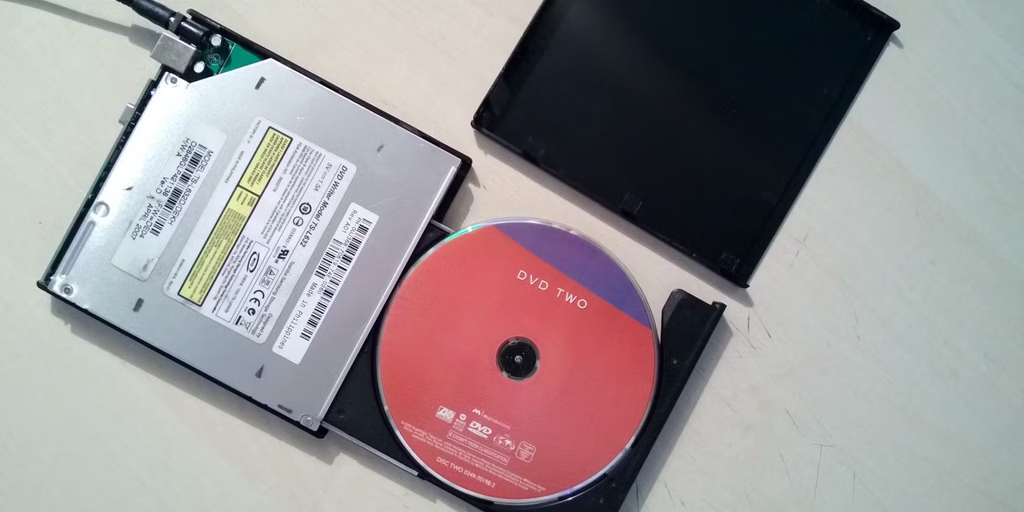
An external optical drive is a slim DVD or Blu-ray drive in its own case that plugs into a USB port. It does everything a built-in drive does, and it works with a Windows laptop, a MacBook, or a Chromebook.
Here is how to set one up:
- Plug the drive’s USB cable into the laptop. Many drives ship with a USB-A cable. If your laptop only has USB-C, use a small USB-C adapter or buy a drive that includes a USB-C cable.
- Wait a few seconds. Windows 11 and macOS install the driver on their own and add the drive to File Explorer or Finder. No extra software is needed to read a disc.
- Insert the disc. Data discs open like a folder. Music CDs play in any media app.
- For DVD movies on Windows, install the free VLC media player, because Windows 10 and 11 do not include a DVD movie player. On a Mac, the built-in DVD Player app handles it.
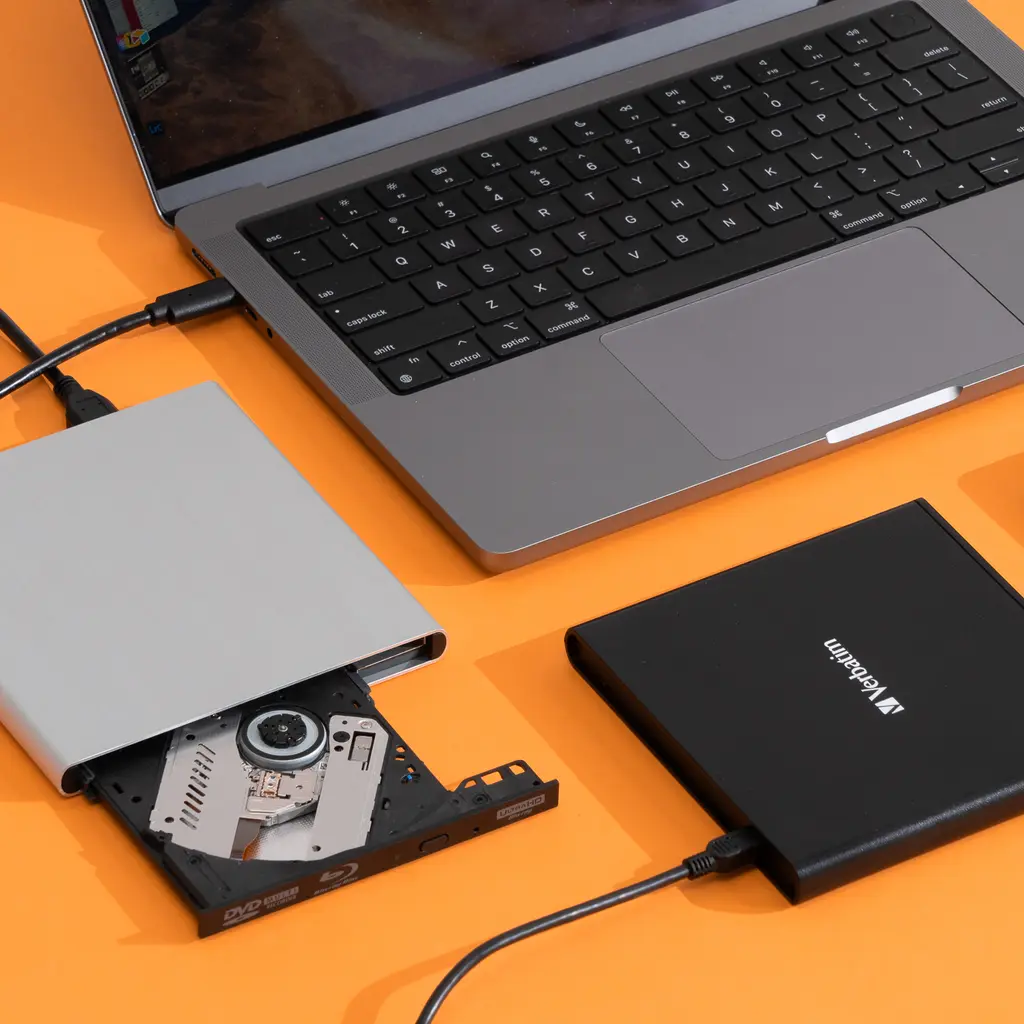
A few buying tips. A basic USB DVD writer costs $20 to $40, and Blu-ray models start around $80 to $100. Pick one that draws its power from the USB port so you do not need a separate charger. If your laptop’s ports are weak, look for a drive with a Y-shaped cable that uses two ports for extra power. Lenovo’s guide to external DVD drives for laptops covers the main features worth comparing.
One more option if you only need a disc once: borrow a friend’s drive or an older PC, copy the files to a USB stick, and you’re done.
Frequently asked questions
Do laptops still come with optical drives?
Very few. In 2026 almost all new laptops sold in the US and Europe have no built-in drive. The exceptions are a handful of Japanese business models and some refurbished or clearance machines from older generations. An external USB drive is the normal answer now.
Can I add an internal optical drive to a laptop that doesn’t have one?
No. There is no space or connector for one inside a modern laptop. The only way to add disc support is an external USB drive, which costs about $20 to $40 for DVD and more for Blu-ray.
Can a laptop DVD drive play Blu-ray discs?
No. Blu-ray uses a different blue-violet laser and tighter data tracks, so a DVD drive cannot read it. A Blu-ray drive, on the other hand, can read DVDs and CDs as well, because it includes a red laser too.
Why won’t my laptop play a DVD movie even though it has a drive?
Windows 10 and 11 do not include a DVD movie player, so the disc opens as files but will not play. Install VLC media player, which is free, and open the disc from Media > Open Disc. On a Mac, use the built-in DVD Player app.
Does an external DVD drive work with a MacBook or a Chromebook?
Yes. Both detect a USB optical drive without extra drivers. MacBooks with only USB-C ports need a USB-C to USB-A adapter unless the drive ships with a USB-C cable. On a Chromebook, data discs and audio CDs work, but DVD movie playback is not supported.
Conclusion
A laptop optical drive is the built-in tray or slot that uses a laser to read and write CDs, DVDs, and sometimes Blu-ray discs. New laptops leave it out because downloads, streaming, and USB sticks replaced most of what it did. Check the side of your laptop or This PC to see if you have one. If you do not, and you still need to read a disc, a $20 to $40 USB drive plugs in and works in seconds, with VLC filling the gap for DVD movies on Windows.
Recommended Articles:
Acer Laptop Won’t Switch On? Here’s How to Fix It
Are Laptop Batteries Lithium-Ion?
How to Get More Storage on an HP Laptop
Is a 2-in-1 Laptop Worth It? Who Should Buy One and Who Should Skip It