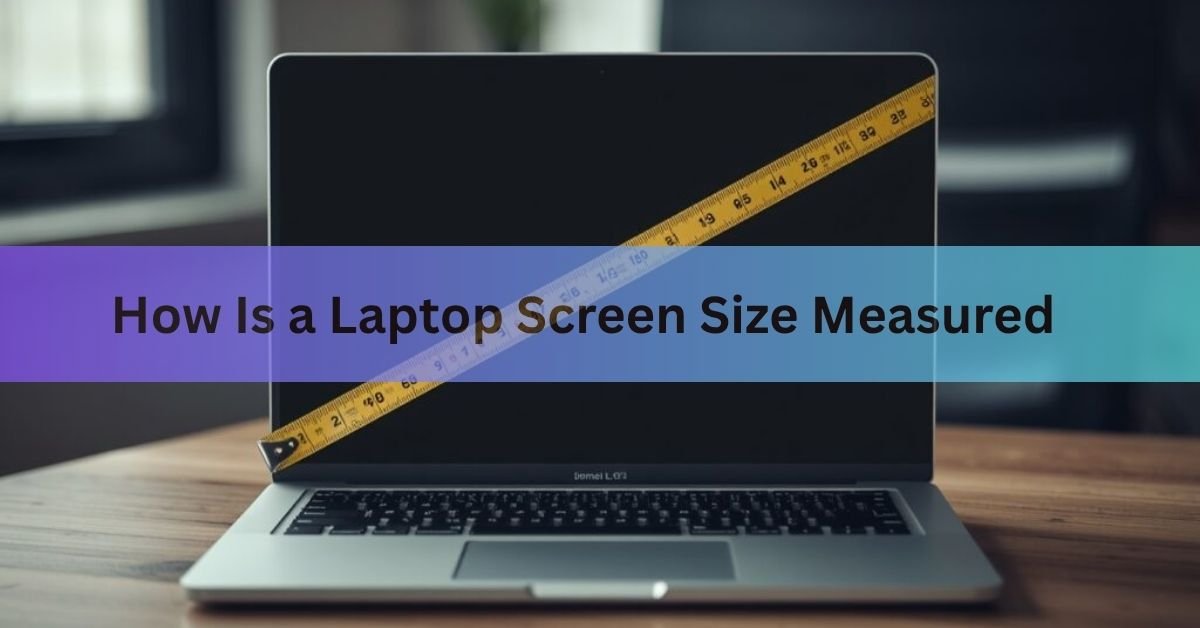
A laptop screen size is the diagonal measurement of the visible screen area, taken from one corner to the opposite corner. The number is always expressed in inches, and it never includes the plastic or metal frame around the screen, called the bezel.
That single figure, such as 13.3, 15.6, or 16 inches, is how every laptop manufacturer sizes and sells their machines. Understanding what it means, and what it does not mean, saves you from buying the wrong laptop or the wrong bag to carry it in.
How is a laptop screen size measured?
Screen size is the diagonal distance across the active display area. You measure from the bottom-left corner of the screen to the top-right corner, or from the top-left to the bottom-right. Both diagonals give you the same number.
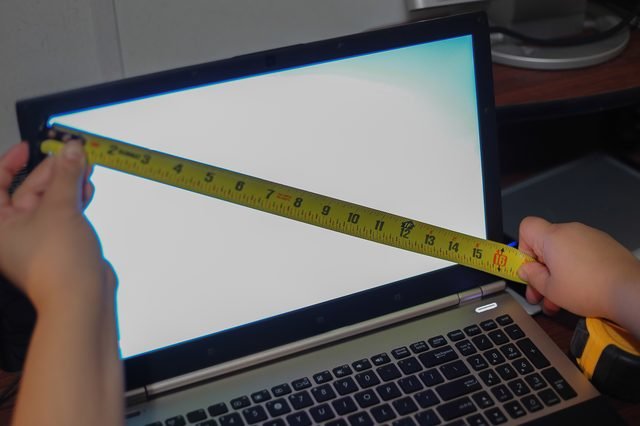
The result in inches is the screen size. A screen that measures 15.6 inches diagonally is called a 15.6-inch laptop, regardless of how wide or tall it is on its own. The width and height are not the quoted size, and neither is the surface area.
Quick answer: place a tape measure at one corner of the lit-up screen area and stretch it to the opposite corner. That number, in inches, is the screen size.
Why is it measured diagonally?
The diagonal convention comes from early television. The very first commercially sold televisions used circular cathode ray tubes (CRTs), and the diameter of that tube was the natural way to describe how large the image was. When tubes became rectangular, the diameter turned into the diagonal of the rectangle, which is also the largest single dimension you can measure across any rectangle.
That approach stuck as TVs became flat panels, and it carried over to computer monitors and laptops. Today, the diagonal is a universal industry standard across every display type, from smartwatches to cinema screens.
One practical reason it endures: a single number works regardless of screen shape. Laptops come in different aspect ratios (the ratio of width to height), so a width measurement alone would not let you compare a 16:9 screen against a 16:10 or 3:2 screen. The diagonal captures overall scale in a way that width or height alone cannot.
Does the bezel count?
No. The bezel is the frame that surrounds the screen, and it is always excluded from the measurement. You measure only the active display area, where the image actually appears.
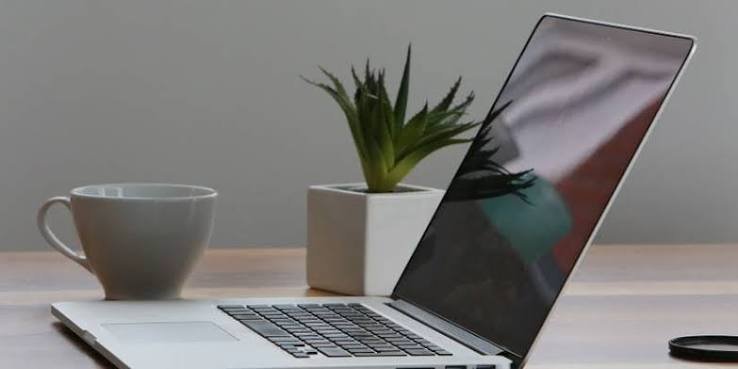
This matters because bezels vary. A laptop from 2015 might have a thick bezel on all four sides, while a current model has almost none. Both can have a 15.6-inch screen, but the 2015 laptop’s lid will be noticeably larger in your hands.
If you want to know how big the laptop actually is, you need the physical dimensions of the closed lid, not the screen size. Those are listed separately in a laptop’s spec sheet as width by depth, usually in millimeters or inches.
How to measure your laptop screen yourself
You only need a tape measure or a ruler long enough to span the screen. Open the lid fully and follow these steps.
- Find the active screen area. Look for where the image actually displays. The bezel starts right at the edge of that image. You will measure from the inner edge of the bezel, not from the outer edge of the lid.
- Place the tape at one corner. Start at the bottom-left corner of the screen where the image begins.
- Stretch to the opposite corner. Pull the tape to the top-right corner of the screen, keeping it straight.
- Read the measurement. That number in inches is your screen size. If you prefer centimeters, multiply by 2.54.
If you do not have a tape measure, the easiest route is to find the model number printed on a sticker on the bottom of the laptop, then search that model number followed by “specifications” on the manufacturer’s website. The screen size will be listed there, along with the full physical dimensions.
On Windows, you can also go to Settings, then System, then Display. This shows screen resolution, but not physical screen size. It is useful for confirming the resolution, which you can pair with the model number to look up the exact diagonal.
Common laptop screen sizes and what they mean
Most laptops fall into a handful of standard sizes. Here is a quick reference for what each one typically means in practice.
| Screen size | Best for | Notes |
| 11.6 in | Ultra-portable, kids, Chromebooks | Lightest class; limited screen space |
| 13.3 – 14 in | Daily carry, students, frequent travelers | Most popular range in 2025; good balance of size and weight |
| 15.6 in | Home and office workers, casual gaming | Long-dominant size; more room for multitasking |
| 16 in | Creative professionals, performance laptops | Growing segment; often 16:10 aspect ratio |
| 17.3 in | Desktop replacement, gaming, video editing | Bulky; rarely carried; maximum screen real estate |
The 14-inch category has grown into the most popular size in recent years, driven by demand for laptops light enough to carry all day but large enough to work on comfortably. The average selling size across all laptops was around 14.5 inches in 2025, up from the 15.6-inch dominance of a decade ago.
Screen size vs. physical size: why they are not the same thing
This is where a lot of laptop buyers get tripped up. Two laptops with the same screen size can have meaningfully different physical footprints.
Modern laptops have slimmer bezels than older designs. A 15.6-inch laptop built today can be smaller in your hands than a 15.6-inch laptop from five or six years ago, because manufacturers have reduced the frame around the screen. The screen diagonal stays at 15.6 inches, but the total lid size shrinks.
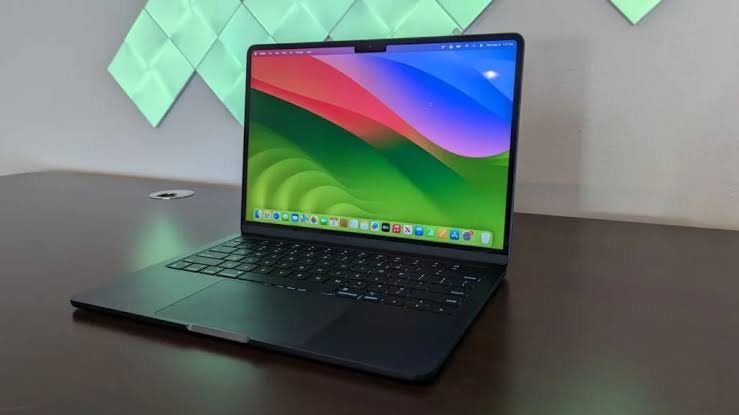
This also matters when buying a bag or sleeve. Laptop bags list a maximum screen size because it is the standard reference point, but the number that actually determines fit is the physical width and depth of your closed laptop. A bag marked “fits up to 15.6-inch laptops” is calibrated around typical physical dimensions for that screen class, not the exact measurements of your specific model.
If you are buying a sleeve or backpack compartment and fit matters, measure the closed laptop: width across the widest point, depth from front to back, and thickness. Then compare those numbers to the bag’s interior dimensions. The screen size is a starting point, not a guarantee of fit.
What about aspect ratio?
Aspect ratio is the proportion of width to height. Two screens can have the same diagonal measurement but very different shapes.
The most common laptop aspect ratio for years was 16:9, meaning the screen is 16 units wide for every 9 units tall. That is the same ratio as a standard HD video. Recently, 16:10 has made a significant comeback. A 16:10 screen is slightly taller for the same width, which gives you more vertical space. That is useful for reading documents, writing code, or working in any app where you scroll up and down.
Some business laptops use a 3:2 ratio, which is even taller and closer to the shape of an A4 or letter-size page.
The aspect ratio does not change how the screen size is measured. A 14-inch 16:9 screen and a 14-inch 16:10 screen both measure 14 inches diagonally. But the 16:10 version is a bit taller, which is why it feels different in practice.
You can find a full breakdown of how screen resolution relates to screen size and pixel density on the Wikipedia Display size article, which also covers how the diagonal standard is applied to curved and ultrawide displays.
Screen size and resolution: the connection worth knowing
Screen size tells you how physically large the display is. Resolution tells you how many pixels fill that space. The two together determine how sharp and how spacious the screen feels.
A 13.3-inch screen at 1920×1200 pixels will look noticeably sharper than a 17.3-inch screen at the same resolution, because the same number of pixels is spread over a much smaller area. The metric for this is pixels per inch (PPI). Higher PPI means sharper text and images.

In practical terms: if you are choosing between two laptops and one has a higher resolution at the same screen size, its text and images will be crisper. If one has a much larger screen at the same resolution, text and icons may look slightly soft or large.
Most laptops sold today at 14 inches and above run at least 1920×1080 (Full HD). Many 14-inch and 16-inch models now ship with 2560×1600 or 2880×1800 panels, which is noticeably sharper. If resolution matters to you, check it separately from the screen size in the spec sheet.
Tip: if you are replacing a screen and need to match the part, the screen size alone is not enough. You also need the exact resolution and panel connector type. Check the model number on the back of your laptop and look up the manufacturer’s spec sheet for the precise panel specifications.
Frequently asked questions
Does laptop screen size include the bezel?
No. Screen size is the diagonal of the active display area only. The bezel (the frame around the screen) is not counted. This means the physical lid of the laptop will always be larger than the screen size suggests.
How do I find out what size screen my laptop has without measuring it?
Look up the model number on a sticker on the base of the laptop, then search it on the manufacturer’s website. The screen size is listed in the specifications. Alternatively, search your model number followed by “specs” in any search engine.
Is a 15.6-inch laptop always the same physical size?
No. The screen diagonal is consistent, but the total lid size varies depending on bezel thickness. Newer models have slimmer bezels, so a current 15.6-inch laptop can be physically smaller than an older one with the same screen size. Always check the actual dimensions if fit matters.
What is the difference between screen size and screen resolution?
Screen size is the physical diagonal measurement. Resolution is the number of pixels (for example, 1920×1080). A smaller screen at the same resolution will look sharper than a larger screen, because the pixels are packed more tightly. Both matter when choosing a laptop.
Why are laptop screens measured in inches and not centimeters?
The convention comes from the television industry in the United States, where inches became the standard unit. It spread globally and remains the norm even in countries that otherwise use metric measurements. To convert, multiply the inch figure by 2.54 to get centimeters.
Conclusion
A laptop screen size is the diagonal measurement of the visible screen area from corner to corner, in inches, with the bezel excluded. That is the number manufacturers advertise, and it is how you compare sizes across different models. To measure it yourself, place a tape measure at one corner of the lit-up screen and stretch to the opposite corner. Keep in mind that screen size and physical laptop size are related but not the same thing, so always check the actual dimensions when buying a case or bag.
Related Post
Can I Charge My Laptop With a Phone Charger?
How to Remove a Hard Drive From a Laptop (Without Wrecking the Drive or Your Data)
What does laptop screen size actually mean?