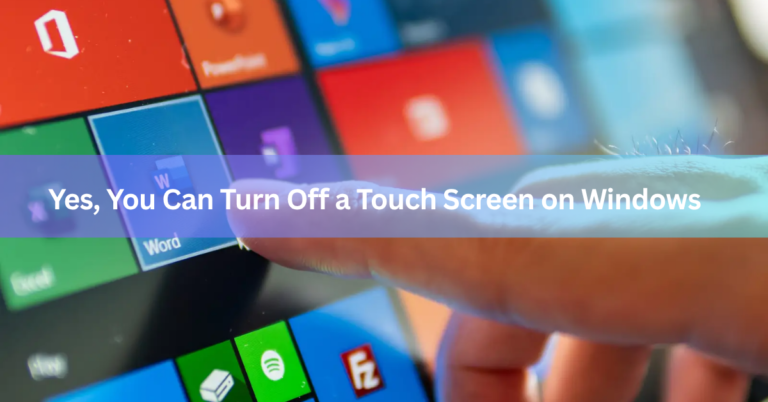
Yes, You Can Turn Off a Touch Screen on Windows (Here’s How)
Yes. Every Windows laptop and tablet with a touch screen lets you turn that feature off, even though the option…

Yes. Every Windows laptop and tablet with a touch screen lets you turn that feature off, even though the option…
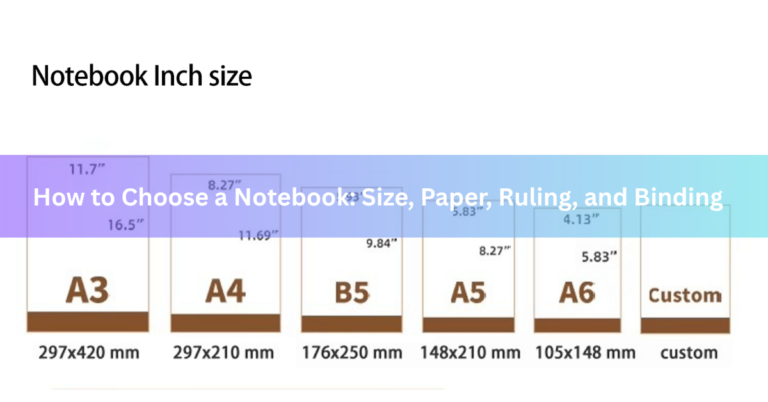
Choosing a notebook comes down to two questions: what will you use it for, and what will you write with?…
To select a desktop computer, decide what you’ll use it for, pick the type (tower, mini PC, or all-in-one), and…
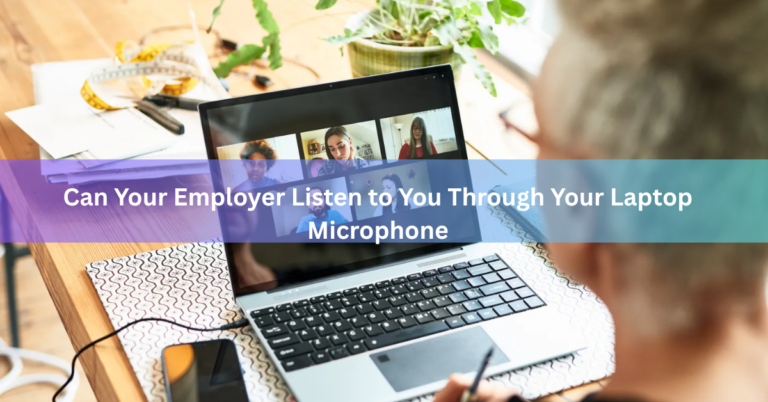
Yes, your employer can listen to you through your laptop microphone, but only under specific conditions. If the laptop belongs…

The choice between Dell’s XPS and Inspiron lines comes down to one simple split: XPS is Dell’s premium brand for…
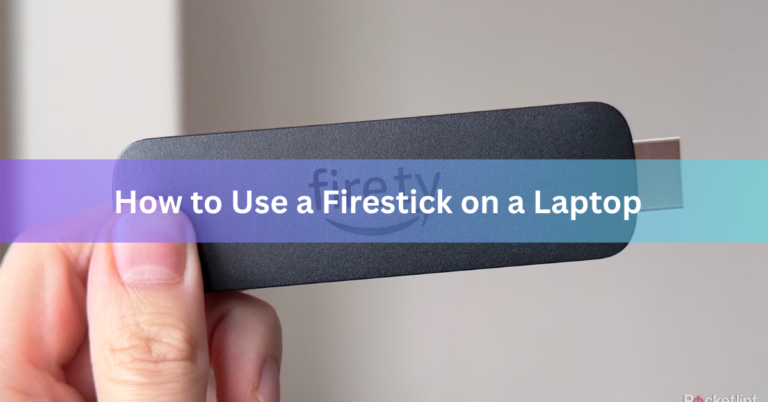
A Fire TV Stick can’t plug straight into a laptop and just work, because the HDMI port on both devices…
You can find your laptop’s age in about a minute. On Windows, check the BIOS release date or the date…
If your Acer laptop won’t switch on, the most likely cause is a stuck power state, not a dead machine….
Yes, laptops give off radiation, but not the kind that can hurt you. A laptop puts out low-energy, non-ionizing radiation,…
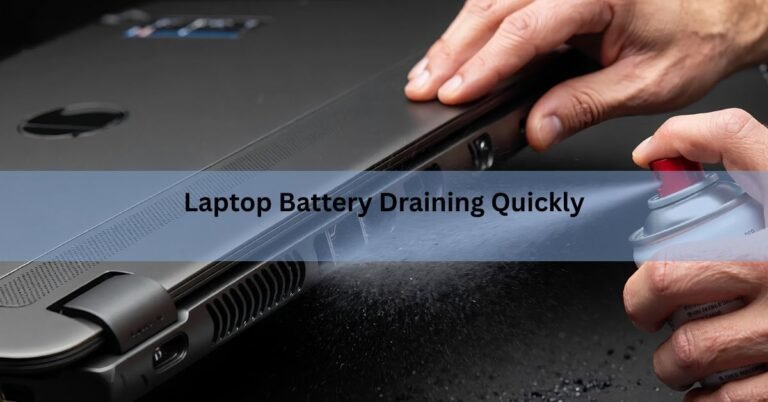
Your laptop battery drains quickly for a few common reasons: the screen is too bright, the power mode is set…