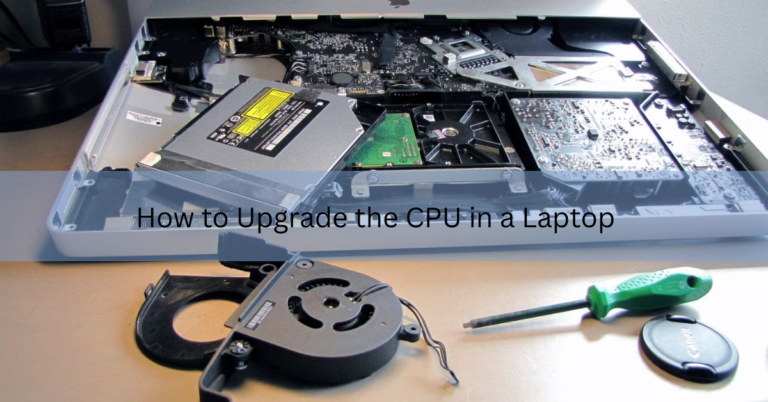
How to Upgrade the CPU in a Laptop (and When You Actually Can)
Here is the short, honest answer: on most laptops made in the last decade, you cannot upgrade the CPU. The…

Here is the short, honest answer: on most laptops made in the last decade, you cannot upgrade the CPU. The…

Most laptops weigh between 2 and 6 pounds, or about 0.9 to 2.7 kilograms. Where a specific machine lands in…
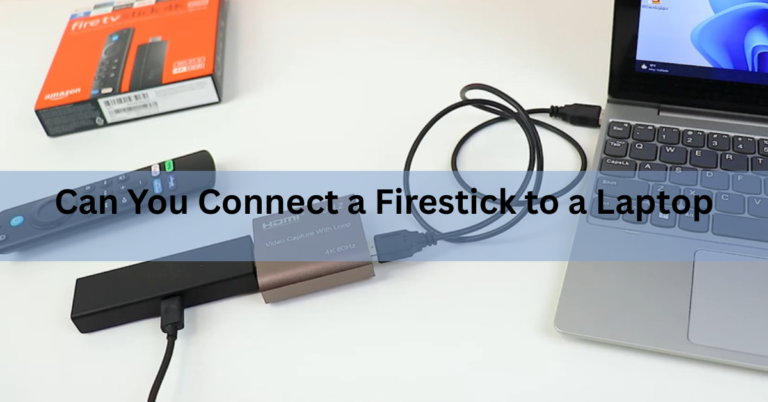
Not by plugging it in. Your laptop’s HDMI port sends video out to another screen and cannot take video in,…

A laptop gives off two things you might want protection from: weak radio waves and heat. The radio waves are…

The quickest way to link two laptops is to put both on the same Wi-Fi network and switch on file…

A laptop draws roughly 0.15 to 0.6 amps from a 120-volt wall outlet during normal use, and about half that…

The quickest way is with an HDMI cable. Plug one end into the projector’s HDMI port and the other into…

The true statement is that most of the internal components designed for laptops cannot be used in desktops. Laptop parts…

Yes. Nearly every laptop built in the last twenty years runs on a rechargeable lithium-ion battery. That covers every MacBook,…

To freeze a screen on a laptop, take a full-screen screenshot and open it in full screen view. Press Win…