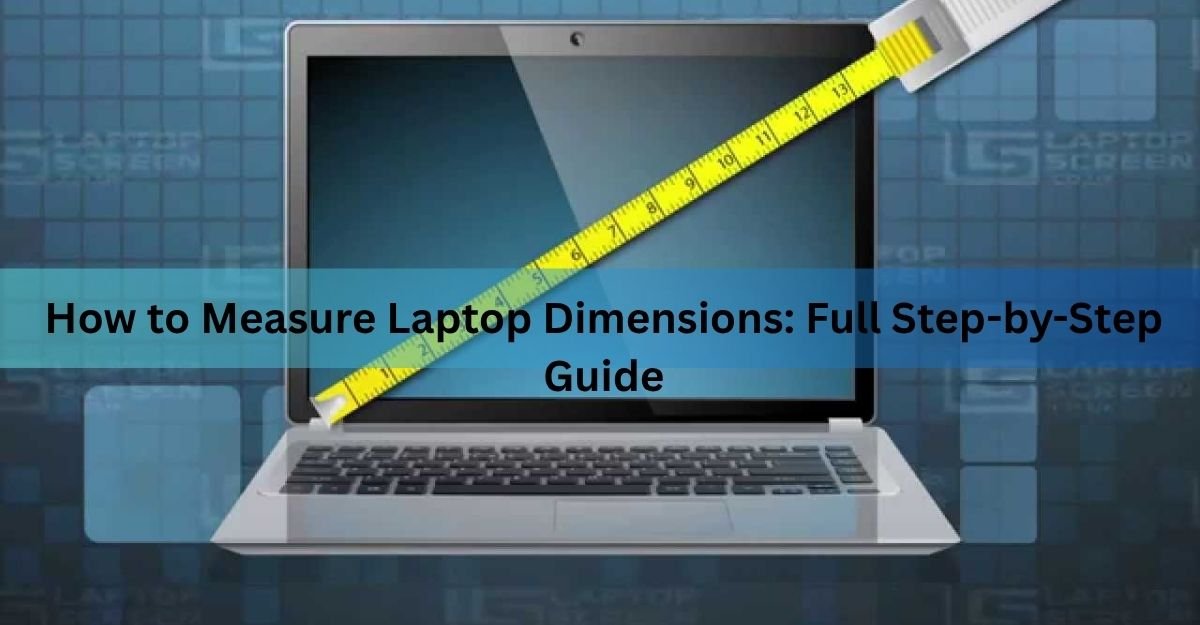
To measure your laptop, close the lid and take three numbers: width (side to side), depth (front to back), and height (the thickness). For screen size, open the laptop and measure diagonally from one corner of the display to the opposite corner, counting only the lit panel and not the frame around it. Those two things answer different questions, and mixing them up is where most people go wrong.
Below is how to get each number right, what tools you need, and how to turn your measurements into the correct sleeve, bag, or desk setup.
What “screen size” actually measures
When a laptop is sold as a 13-inch or a 15-inch, that number is the diagonal of the screen, measured corner to corner across the display. It has been the standard way to size screens since the days of tube televisions, and every brand still uses it.
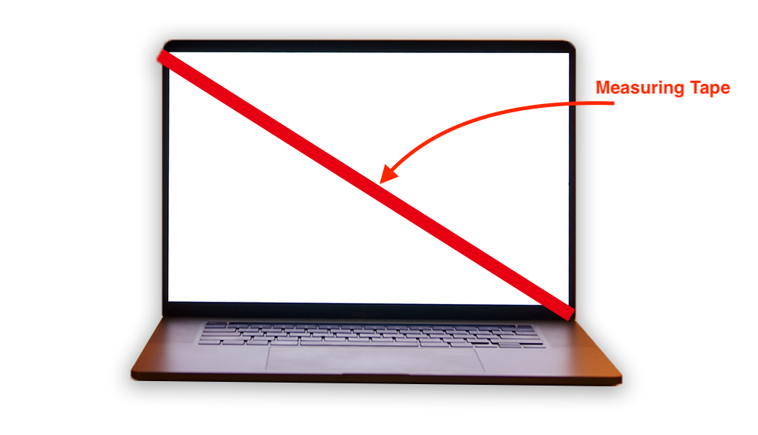
Here is the catch. That diagonal covers the glowing panel only. It leaves out the bezel, the frame that surrounds the screen, which can add up to an inch to the real edge of the lid. It also tells you nothing about how wide or deep the whole machine is. Two laptops can both carry a 15-inch screen and still have very different bodies, because thinner bezels let one of them fit the same screen into a smaller shell.
Quick rule: screen size is a label for the display. If you are buying a case or checking desk clearance, you need the physical width, depth, and height instead.
The four measurements that matter
For most real tasks you care about four numbers. Here is what each one covers and when it counts.
| Dimension | What it measures | Where it matters |
|---|---|---|
| Width | Side to side, the long edge | Bag interior, desk space |
| Depth | Front to back, palm rest to hinge | Sleeve depth, tray tables |
| Height | Closed thickness, feet to lid | Fitting slim compartments |
| Screen size | Corner to corner of the panel only | Sleeve labels, spec matching |
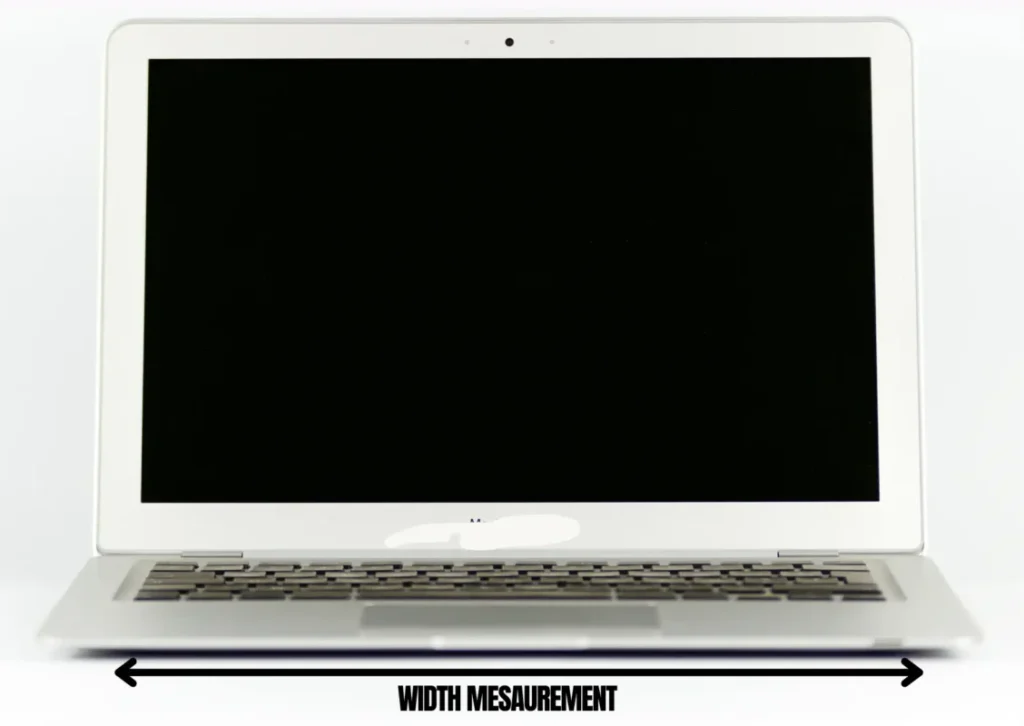
Width is always the longer of the two flat measurements, and depth is always the shorter one. Height is the thickness of the closed laptop. On a slim ultrabook that thickness often sits between 14 and 18 millimetres. A chunky gaming laptop can run 25 to 30 millimetres or more, which is exactly the sort of thing a tight sleeve will not forgive.
How to measure your laptop, step by step
You need almost nothing here: a tape measure or a ruler, a flat surface, and a minute. A flexible tape is easier than a stiff ruler for the diagonal, but either works.
Measuring the physical size
- Close the lid fully and set the laptop flat, top facing up.
- Measure the width. Run the tape across the long edge, left to right, and note the number.
- Measure the depth. Run the tape along the short edge, from the front lip back to the hinge.
- Measure the height. Stand a ruler beside the closed laptop and measure from the surface up to the top of the lid, including the little rubber feet on the base.
Write all three down together. That trio, width by depth by height, is the full footprint, and it is what you compare against any bag or stand.
Measuring the screen size
- Open the laptop and turn it on, so you can see exactly where the lit panel starts and stops.
- Place the end of the tape at one corner of the display, right where the picture begins.
- Stretch it diagonally to the opposite corner, bottom-left to top-right, or top-left to bottom-right.
- Read the number in inches. If your tape is in centimetres, divide by 2.54 to convert.
Measure the lit area only. Starting at the outer edge of the black frame will add close to an inch and push you into the wrong size category.
Rounding is normal here. A diagonal that comes out at 13.3 or 13.6 inches is simply a 13-inch class laptop. Manufacturers round these figures too, so do not worry about being off by a fraction.
How to size a sleeve or bag from your numbers
This is where the two kinds of measurement collide. Sleeves and bags are almost always labelled by the screen size they fit, like “fits up to 14 inches.” That label is a rough stand-in for the body size of a typical laptop in that class, not a real interior measurement.
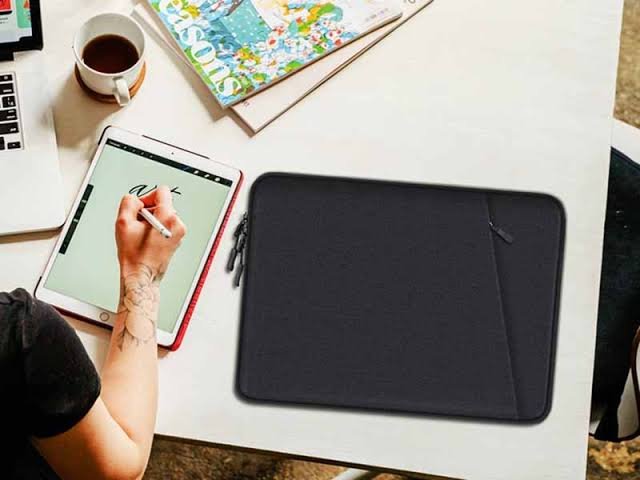
The problem is that bodies vary. A modern 14-inch laptop with slim bezels can be smaller than an older 13-inch model, so the label alone can mislead you. The safe move is to ignore the headline inch number and compare your own width and depth against the sleeve’s stated interior dimensions.
- Add a little breathing room. Aim for a sleeve that is a touch larger than your laptop in width and depth, not an exact match, so it slides in without a fight.
- Give the thickness half an inch. For depth of the compartment, allow at least half an inch over your laptop’s height so a padded case still closes.
- Watch the orientation. Backpack compartments usually load top to bottom, while briefcases and messenger bags load side to side, which changes which of your numbers needs to fit where.
A snug case protects better than a loose one. If the laptop can slide around inside, padding does less good, so err toward close rather than roomy once you have that half-inch of clearance.
Skip the ruler: find dimensions from the model
If your laptop is unmodified, the fastest accurate route is the maker’s own spec sheet. Search your exact model name plus the word “specifications,” and the width, depth, height, and weight are usually listed together. Apple, for instance, publishes exact figures on its MacBook Air tech specs page, and Dell, HP, and Lenovo do the same on their support sites.
To put real numbers on this, here is how two popular machines compare. The 13-inch MacBook Air measures about 11.97 inches wide, 8.46 inches deep, and 0.44 inches thick. The 15-inch model comes in at roughly 13.40 inches wide, 9.35 inches deep, and 0.45 inches thick. Notice the 15-inch is barely thicker than the 13-inch. Almost all of the extra size is footprint, not height, which is the kind of detail a sleeve label will never tell you.
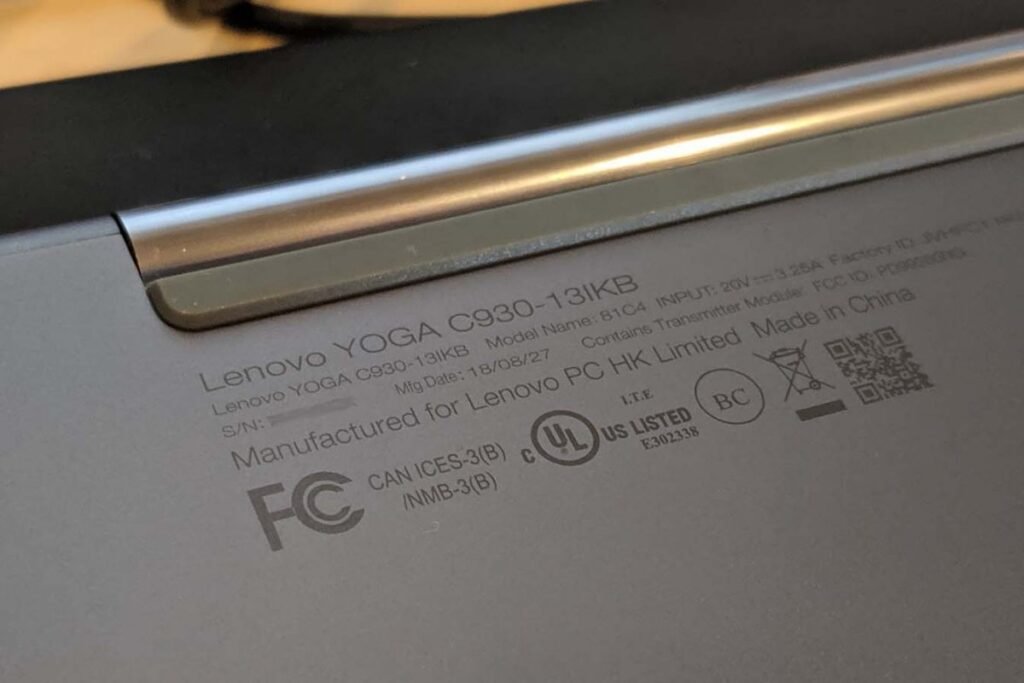
When the spec sheet is enough: use it whenever your laptop is bare. If you run a rugged case, a skin, or an extended battery, those add size the official figures leave out, so measure by hand instead.
No tape at all? A sheet of US Letter paper is 8.5 by 11 inches and lands close to a 13-inch screen when laid diagonally, which is enough to place your laptop in the right ballpark before you shop.
Common mistakes that throw the numbers off
A few small slips cause most of the wrong-size orders. Watch for these:
- Including the bezel in the screen size. The frame is not part of the diagonal. Start at the lit corner.
- Measuring the lid open for the footprint. Width, depth, and height are all taken with the laptop closed.
- Trusting the marketing inch for a case. Compare your real width and depth to the interior of the bag.
- Forgetting the feet. Thickness runs from the bottom of the rubber feet to the top of the lid, not just the shell.
- Ignoring a case you already use. If your laptop lives in a shell, measure it with the shell on.
Frequently asked questions
Is laptop size the same as screen size?
No. Screen size is only the diagonal of the display panel. The laptop’s actual size is its width, depth, and thickness, which include the bezel, keyboard deck, and hinge. Two laptops with the same screen size can have different bodies.
How do I measure my laptop for a sleeve or bag?
Close the lid and measure width and depth, then compare those to the sleeve’s interior dimensions, not its labelled inch size. Allow a little extra width and depth, plus about half an inch over your laptop’s thickness.
Do I include the bezel when measuring screen size?
No. Measure only the lit part of the display, from one corner of the picture to the opposite corner. The black frame around the screen can add nearly an inch and would put you in the wrong size class.
What are width, depth, and height on a laptop?
Width is the long edge, side to side. Depth is the short edge, front to back from palm rest to hinge. Height is the thickness of the closed laptop, measured from the feet to the top of the lid.
Can I find my laptop’s dimensions without measuring?
Yes, if it is unmodified. Search your exact model name plus “specifications” and read the maker’s spec sheet, which lists width, depth, height, and weight. Skip this if you use a case, skin, or extended battery, since those add size.
Conclusion
Measuring a laptop comes down to keeping two things separate. Screen size is the diagonal of the lit panel, measured open. The real footprint is width, depth, and thickness, measured closed. Take all three physical numbers, compare them to a sleeve’s interior rather than its label, and leave about half an inch of room. Do that and the case fits the first time, the laptop sits protected, and you never guess from a marketing number again.
Recommended Articles:
Can You Pack a Laptop in Checked Luggage? What the Rules Actually Say
How to Optimize Your Gaming Laptop for 4K (Without Buying a New One)
What you need before you start
Does a Laptop Have a Lithium Battery? What’s Inside and Why It Matters