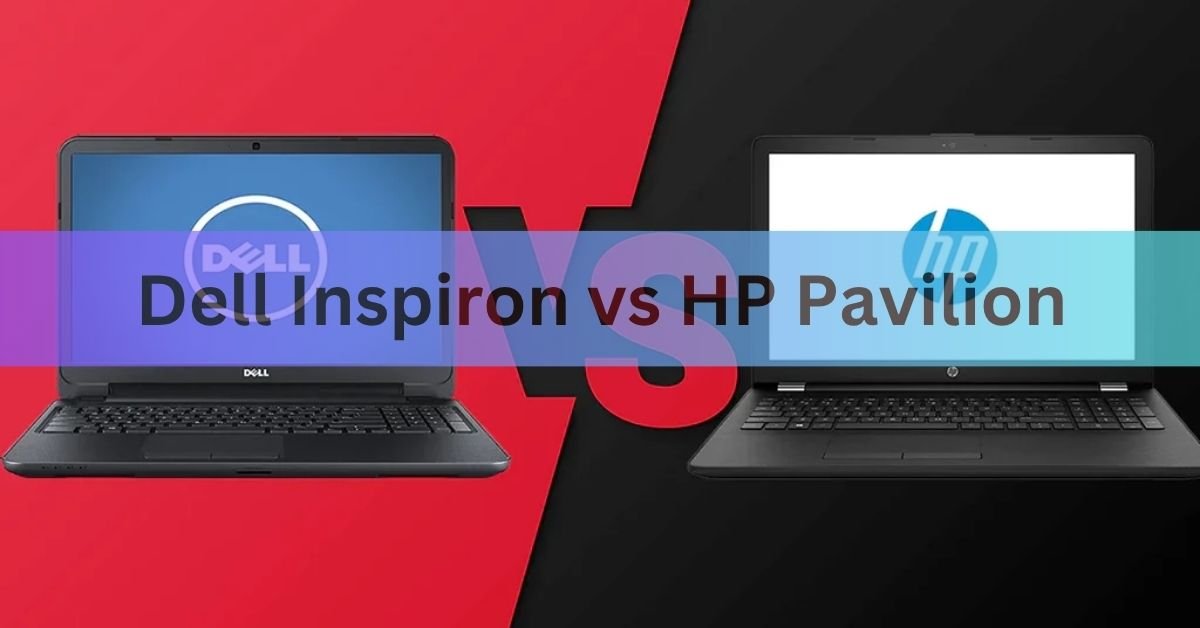
Here’s the part almost nobody tells you up front: both of these names are being retired. If you’re shopping today, the fair fight is between their replacements. The HP Pavilion has become the HP OmniBook 5, and the Dell Inspiron has folded into Dell’s plain everyday laptop line, now just called Dell. For most buyers the OmniBook 5 is the slightly safer pick thanks to sturdier builds and OLED screen options, while Dell often undercuts it on price and gives you more ports. Neither is a bad choice, and the right one comes down to what you value.
Quick verdict: Want the nicer screen and a solid chassis? Lean HP OmniBook 5. Want to spend less and get more ports? Lean Dell. Both are fine daily laptops for school, browsing, and office work.
Are Inspiron and Pavilion still made?
Short answer: not as new models with those names. Both brands are in the middle of being phased out, and you’ll still see them on shelves only while old stock lasts. This matters, because buying a discontinued line means a shorter shelf life for accessories and a machine that’s already a generation behind.
What happened to the HP Pavilion
HP announced in 2024 that it was retiring the Pavilion name, along with Envy and Spectre, and moving its consumer laptops under a single OmniBook family. The Pavilion’s direct replacement is the OmniBook 5. HP is blunt about this on its own site: the page that used to sell Pavilion laptops now reads “HP Pavilion Laptops Are Now OmniBook 5”. Same idea of practical value at a fair price, new name and updated parts.
What happened to the Dell Inspiron
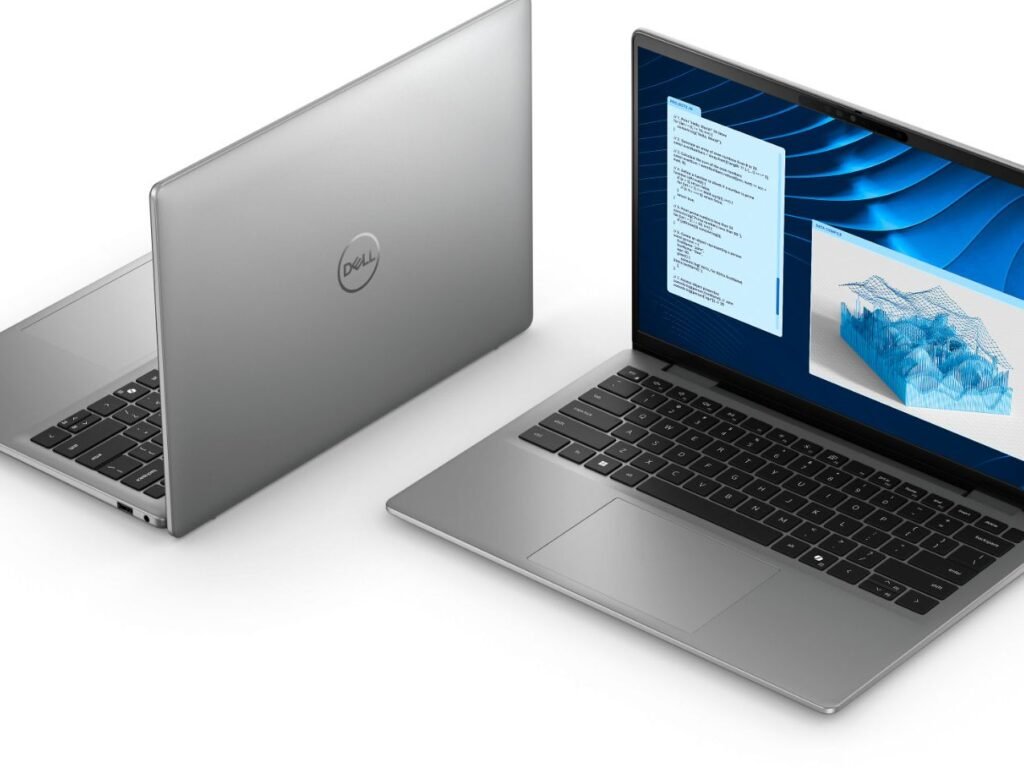
Dell went further. At the start of 2025 it scrapped its famous names, XPS, Inspiron, Latitude, and Precision, and replaced them with plain tiers: Dell for everyday use, Dell Pro for business, and Dell Pro Max for workstations. The Inspiron became the base Dell laptop line. The change was unpopular, and a year later Dell reversed part of it: XPS came back at CES 2026. Inspiron did not. So the everyday Dell laptop you’d cross-shop with a Pavilion is now simply a “Dell,” often a Dell 14 or Dell 15.
If you see a brand-new laptop still badged Inspiron or Pavilion, it’s leftover stock. Fine to buy if the price is right, but know you’re getting the outgoing model.
How they compare on the things that matter
The two lines have always aimed at the same shopper: someone who wants a capable laptop without paying flagship prices. Here’s how they stack up on the points that actually change your day to day, using each brand’s current mainstream model as the reference.
| What you’re comparing | HP Pavilion (now OmniBook 5) | Dell Inspiron (now the Dell line) |
| Typical price | About $500 to $900, often on sale near $650 | About $450 to $850, frequently the cheaper of the two |
| Build | Solid chassis, little flex, mostly plastic with some metal | Plain, practical plastic; sturdy but rarely premium-feeling |
| Screen options | IPS standard, OLED available on higher configs | Mostly IPS, anti-glare, aimed at long work sessions |
| Ports | 2x USB-C, 2x USB-A, HDMI 2.1 | Often adds an SD card reader; wide port selection |
| Keyboard | Roomy, comfortable, numpad on larger sizes | Full-size with numpad on 15 and 16-inch models |
| Best for | Nicer screen, media, a more finished feel | Stretching a budget and plugging in lots of accessories |
Those are tendencies, not guarantees. Both brands sell many configurations, so always check the exact model in front of you. Below is what each row really means when you’re using the laptop.
Build and design
Dell’s everyday laptops are built to a price. That’s not an insult, it’s the point of the line: dependable plastic bodies, a clean look, and enough rigidity for daily carrying. They feel practical rather than special. HP’s OmniBook 5 tends to feel a notch more finished, with a chassis that resists flexing and rounded edges that are comfortable to hold. Neither is a metal ultrabook, but if a premium feel matters to you, HP usually edges ahead.
Performance
Both lines run on the same class of chips, so real-world speed is close. A current OmniBook 5 might carry an Intel Core Ultra 7 255U with 16GB of RAM, which handles browsing, office apps, and light multitasking without complaint. Reviewers note the U-series chips here favor efficiency over raw power, so these aren’t gaming or heavy-editing machines. Dell’s everyday laptops use similar Intel and AMD options in the same range. Expect smooth performance for typical tasks and slower going with demanding creative work on either brand.
Display
This is where HP has a clear edge for some buyers. The OmniBook 5 offers OLED screen options on higher configurations, which give deeper blacks and richer color for movies and photos. The standard panels on both brands are Full HD IPS displays, usually around 300 nits of brightness, which is fine indoors but not bright enough for direct sunlight. Dell leans toward anti-glare panels tuned for long, comfortable work sessions rather than punchy color. Watch a lot of video or care about color? HP’s OLED option is the tiebreaker.
Battery, ports, and keyboard
On ports, Dell often has the practical advantage. Its everyday laptops frequently include an SD card reader alongside the usual USB-C, USB-A, and HDMI, which photographers and students appreciate. HP’s OmniBook 5 covers the basics well with two USB-C, two USB-A, and HDMI 2.1, though its USB-C ports top out at 10 Gbps with no Thunderbolt. Keyboards on both are comfortable, with a numpad on the larger 15 and 16-inch sizes. HP’s keyboard in particular gets praise for its spacious layout and crisp feel.
Battery life is similar and lands in the all-day range for light use. A 16-inch OmniBook 5, for example, gets roughly 8 to 10 hours of real-world use from its battery, enough for a school or work day with charge to spare. Both brands keep universal USB-C charging, so any modern charger works in a pinch.source
Price and value
Dell usually wins on sticker price. Its base laptops regularly start lower, which makes them the natural pick when the budget is tight. HP’s OmniBook 5 tends to look overpriced at its official list price but drops to genuinely competitive levels on sale, often landing near $650 for a well-equipped 16-inch model. The lesson with both brands is the same: never pay full list price. Wait for a discount, since these laptops go on sale constantly.
Rule of thumb: at the same sale price, pick HP for the screen and build; pick Dell when it’s clearly cheaper or when you need the SD card slot and extra ports.
Which one should you buy?
Match the laptop to how you’ll actually use it:
- Choose the HP OmniBook 5 if you want the nicer display (especially the OLED option), a more solid-feeling build, and a comfortable keyboard for lots of typing.
- Choose a Dell everyday laptop if price is your top concern, or you need plenty of ports and an SD card reader for accessories and camera files.
- Look higher up either range if you plan to game, edit video, or keep the machine for five-plus years. These budget lines aren’t built for heavy or long-haul use, and a step up in tier pays off.
For the widest group of shoppers, buying at a normal sale price, the OmniBook 5 is the slightly stronger all-rounder. But a well-priced Dell is easy to recommend the moment it’s the cheaper machine, and you won’t feel shortchanged.
Frequently asked questions
Is the HP Pavilion discontinued?
Yes. HP retired the Pavilion name and replaced it with the OmniBook 5, which carries the same everyday-value idea with updated parts. You’ll only find new Pavilion-badged laptops while old stock lasts.
Is Dell still making the Inspiron?
No new Inspiron models are being released. Dell dropped the name in 2025 and folded it into its base “Dell” laptop line, such as the Dell 14 and Dell 15. XPS returned in 2026, but Inspiron did not.
Which is more reliable, Dell or HP?
Both are mainstream brands with similar reliability at this price. These budget lines are built to a cost, not for long life, so if you want a laptop to last five-plus years, look at a higher tier from either maker.
Are these laptops good for gaming?
Not really. Both use efficiency-focused chips with basic integrated graphics, fine for light or older games. For real gaming, look at Dell’s Alienware or HP’s Omen and Victus lines instead.
Should I buy a leftover Inspiron or Pavilion now?
It can be a good deal if the price is low, since the hardware still works well for everyday tasks. Just know you’re buying an outgoing model, so weigh it against a similarly priced current OmniBook 5 or Dell.
Conclusion
The Inspiron and Pavilion names are being retired, so buy their successors instead: the HP OmniBook 5 and Dell’s everyday laptop line. Pick HP for a better screen, a sturdier feel, and a great keyboard. Pick Dell when it costs less or when you need more ports. Wait for a sale either way, and step up a tier if you’ll game, edit, or keep the laptop for many years. Do that and you’ll get solid value from either brand.
Related Post
How to Reset a Gateway Laptop to Factory Settings
How to Prolong the Life of a Laptop Battery
How to Measure Laptop Dimensions: A Simple Guide
Heat Damage to a Laptop Screen: What It Looks Like and What to Do