A well-built gaming laptop should run for 4 to 6 years before it wears out physically, but it usually stops handling new games well after 2 to 4 years. Those are two different clocks. One tracks whether the machine still turns on and works. The other tracks whether it can still run the games you actually want to play. Most of the frustration around gaming laptops comes from mixing the two up.
Functional life vs gaming life vs component life
There are really three separate questions hiding inside “how long will it last.”
The first is functional life: does the laptop still boot, run Windows, and handle everyday tasks like browsing or word processing? This is the longest clock. A gaming laptop that is cleaned and looked after can keep functioning for 8 to 10 years, the same as any well-made computer.
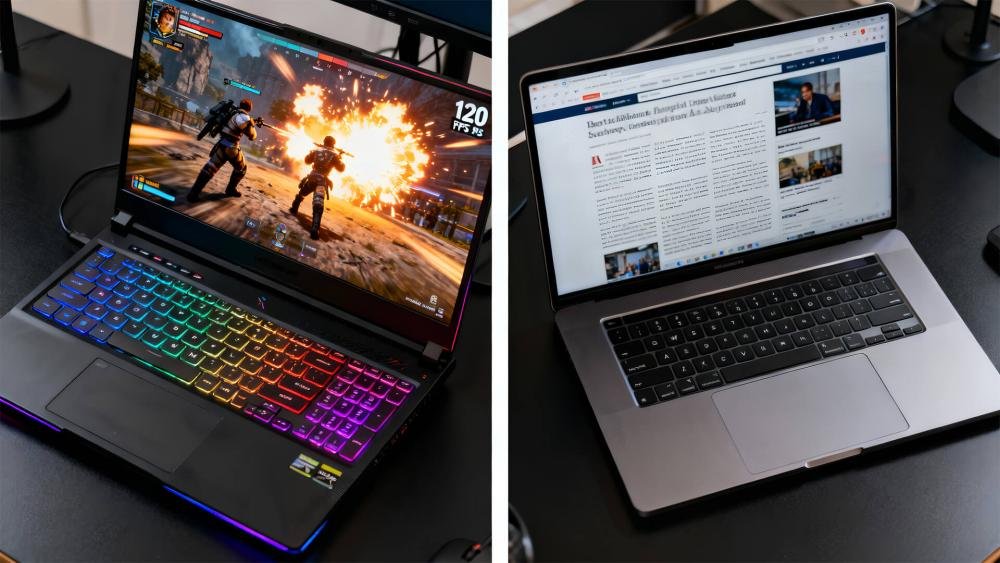
The second is gaming relevance: can it still run current games at settings you find acceptable? This clock moves much faster. A mid-range laptop bought today will likely need lowered settings within 3 to 4 years to keep up with new AAA releases, and a high-end model buys you closer to 5 years before the same compromise shows up.
The third is component life: individual parts age at different speeds. The battery is usually the first thing to noticeably weaken, often losing meaningful capacity within 2 years of regular charging. Fans, hinges, and the keyboard wear more slowly and mostly depend on how carefully the laptop gets handled.
When someone asks how long a gaming laptop lasts, they are almost always asking about the second clock, gaming relevance, even if they don’t say so.
What actually determines your laptop’s lifespan
A handful of factors decide whether you land at the short end or the long end of these ranges.
Build tier. A budget or entry-level gaming laptop tends to hold up for 3 years of solid gaming performance before you’re regularly turning settings down. A high-end model with a stronger GPU and better cooling can stretch that closer to 5 to 7 years, simply because it starts further ahead of the curve and its components run cooler under the same workload.
Heat management. Gaming pushes the CPU and GPU hard for long stretches, and that heat is the main thing that ages a laptop from the inside. Thermal paste between the chip and the heatsink dries out over time and stops transferring heat as well, dust clogs the fans and vents, and prolonged high temperatures wear down capacitors and other small components faster than normal use would. Laptops are more cramped than desktops, so this effect hits them harder.
Usage pattern. Hours per week at maximum settings matters more than raw age. Someone gaming two hours a night at max graphics is putting far more thermal stress on the machine than someone playing the same games on medium settings for the same amount of time.
Upgradeability. Storage and RAM are usually upgradeable on gaming laptops, which extends useful life without touching the part that actually limits gaming performance. The CPU and GPU, on the other hand, are soldered onto the board in almost every gaming laptop on the market. Once they fall behind, you can’t swap them out. That single fact is why gaming laptops feel like they age faster than desktops: the part that matters most for gaming is the one part you can’t replace.
GPU generation timing. New GPU architectures from Nvidia and AMD tend to land roughly every two years, and each generation raises the bar for what “high settings” means in new releases. A laptop bought right after a new generation launches gets more runway before it starts to feel behind than one bought right before the next generation arrives. This is less about the calendar and more about where your purchase sits in that two-year cycle.
Battery habits. Lithium-ion batteries degrade with every charge and discharge cycle, and heat speeds that up further. A battery that’s kept between roughly 20 and 80 percent charge, rather than run flat or left at 100 percent for long stretches, holds its capacity noticeably longer.
A realistic timeline
Here’s roughly what to expect from a decently maintained, mid-to-high-end gaming laptop under regular use.
| Age | What to expect |
| Year 1–2 | Near-peak performance. New games run at high or max settings without much compromise. |
| Year 3–4 | Newer, demanding titles start pushing you toward medium settings. Battery capacity has usually dropped noticeably. |
| Year 5 | Playing new AAA games often means lowering resolution or settings. Fans, hinges, or the battery may need attention. |
| Year 6–7+ | The laptop still works for browsing, older games, and light tasks, but current AAA titles are a stretch even at low settings. |
Budget models tend to move through this table about a year faster at every stage. Premium models with better GPUs and cooling tend to move through it a year or so slower.

Price and lifespan track each other, but not in a straight line. Going from a budget laptop to a mid-range one usually buys a meaningful jump in how long it stays relevant for gaming. Going from mid-range to top-of-the-line buys a smaller additional jump for a much bigger price increase, since you’re paying more for peak performance today than for extra years later. If your budget is tight, a mid-range laptop with a clear upgrade path for RAM and storage is usually a better long-term buy than the cheapest option on the shelf.
| A gaming laptop’s warranty length is a decent floor to plan around. Most manufacturers, including MSI, back their gaming laptops with a 12-month standard warranty on parts and labor. Anything beyond that is bonus life you’re managing yourself. |
Signs your gaming laptop is nearing the end
A few clear signals mean it’s worth paying attention, whether or not the calendar agrees.
- New releases force you into low settings just to hit a playable frame rate, even after you’ve checked for driver and Windows updates.
- The battery no longer holds a useful charge away from a plug, or the laptop shuts down unexpectedly even when the battery reports charge remaining.
- Fan noise and heat have climbed noticeably for the same games you used to run cool, even after a clean.
- The hinge, keyboard, or trackpad has started to feel loose or behave inconsistently.
- Repair or upgrade costs start to approach a meaningful fraction of a new laptop’s price.
Any single one of these isn’t a reason to replace the laptop. Several showing up together usually is.
How to make a gaming laptop last longer
None of this is complicated, and most of it takes a few minutes every few months.
Clean the fans and vents every 6 to 12 months with compressed air, more often if you game somewhere dusty or have pets. Dust buildup is one of the simplest things to fix and one of the most common causes of rising temperatures.
Reapply thermal paste after 2 to 3 years of heavy use. The paste between the CPU or GPU and its heatsink dries out and loses effectiveness over time, and fresh paste can noticeably lower running temperatures on an older laptop.
Use a cooling pad or keep the laptop elevated slightly during long sessions. Extra airflow under the base helps the internal fans work less hard.
Avoid running at 100 percent load for hours without a break where you can help it. Undervolting the CPU, where your hardware supports it, is another way to cut heat without giving up much performance.
Manage battery charging. Keeping the charge roughly between 20 and 80 percent, rather than always topping up to full or running it flat, slows the chemical wear that shrinks battery capacity, a pattern Microsoft’s own battery care guidance confirms for lithium-ion batteries generally. Windows also includes a built-in way to check exactly how your battery is aging: running the powercfg /batteryreport command generates a report showing design capacity against current capacity, which tells you objectively whether the battery is the weak link.
Keep storage and software lean. A fresh Windows install every year or two, along with regular driver updates, clears out the bloat that slowly drags down performance on any laptop, gaming or not.
Upgrade what you can. Adding RAM or swapping in a faster SSD is often the cheapest way to buy another year or two of comfortable use once the GPU starts to feel dated, even though it won’t fix a GPU that’s fallen behind.
Frequently asked questions
How long does a gaming laptop battery last?
Most gaming laptop batteries hold a useful charge for 1 to 2 years of regular use before capacity drops noticeably. Charging between 20 and 80 percent instead of running it flat slows that decline.
Is it worth buying a gaming laptop instead of a desktop if it won’t last as long?
It depends on whether portability matters to you. Desktops last longer for gaming because you can swap the GPU, but a gaming laptop still gives you several strong years plus the ability to game anywhere.
Can I upgrade a gaming laptop to extend its life?
Yes for RAM and storage on most models, which noticeably helps overall speed. No for the CPU and GPU on nearly all gaming laptops, since they’re soldered to the motherboard.
How do I know if my gaming laptop is dying versus just outdated?
Sudden shutdowns, failing hardware, or physical damage point to the laptop dying. Needing lower settings in new games while everything else still runs fine points to it simply being outdated.
Does cleaning a gaming laptop actually extend its lifespan?
Yes. Dust buildup in the fans and vents is one of the most common causes of rising temperatures, and higher sustained heat is what ages internal components fastest.
Conclusion
A gaming laptop typically works for 4 to 6 years and stays genuinely good at gaming for 2 to 4 of those, with high-end models pushing past both numbers and budget models falling short of them. Clean it, watch the heat, manage the battery, and upgrade RAM or storage when you can. Do that and you’ll get the most realistic number this machine has to offer, not just the marketing one.
Related Post
How to Reset a Gateway Laptop to Factory Settings
How to Prolong the Life of a Laptop Battery
How to Measure Laptop Dimensions: A Simple Guide
Heat Damage to a Laptop Screen: What It Looks Like and What to Do