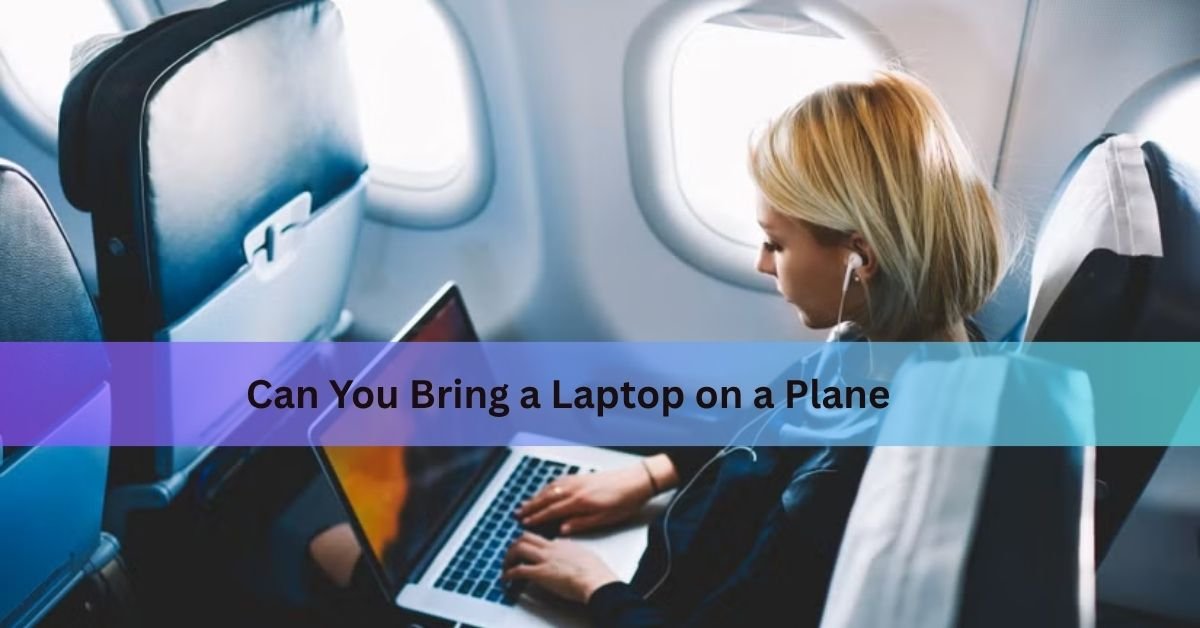
Yes, you can bring a laptop on a plane. It is allowed in your carry-on bag and in your checked bag, and your carry-on is where it belongs. The battery inside it is the reason.
Here is what happens at the security checkpoint, what the battery rules mean in practice, when you can actually use your laptop in the air, and the small mistakes that cause most of the trouble.
Carry-on or checked bag: where should it go?
In your carry-on, every time. Both options are allowed at US airports, but the cabin is the better answer for three plain reasons.
The first is fire risk. Laptops run on lithium-ion batteries, and a damaged or faulty lithium battery can overheat, smoke and burn. In the cabin, a hot device gets noticed in seconds and the crew can put it out. In the cargo hold, nobody sees it happen. That is why the FAA’s guidance on devices with batteries puts them in hand luggage. This is not a rare problem, either. A record 89 battery events involving smoke, fire or extreme heat were verified on US aircraft in 2024, and in March 2025 a laptop battery caught fire in the cabin of a flight that had just landed at Reno-Tahoe airport, sending passengers out onto the taxiway by the emergency slides.
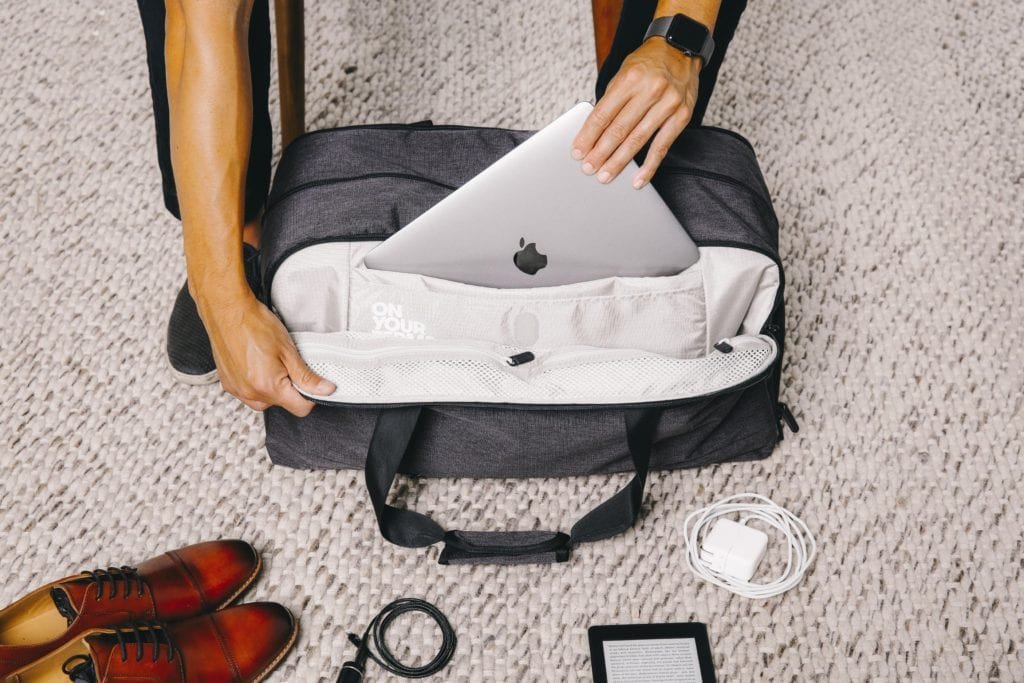
The second is damage. Checked bags get dropped, stacked and thrown, and a screen cracks easily under the weight of other suitcases.
The third is money. Your bag passes through a lot of hands you cannot see, and airline conditions of carriage usually exclude laptops and other electronics from what they will pay out if a checked bag is damaged or goes missing.
If you have no choice and the laptop must be checked, switch it fully off rather than leaving it asleep, wrap it so nothing can press the power button, and pack it in the middle of soft clothes. Two minutes of prep is worth it either way: back up your files, turn the lock screen on, and note the serial number, so a lost machine is an inconvenience rather than a disaster.
Gate-check trap: if your carry-on is taken from you at the gate, take out the laptop, any power bank and any spare batteries first. Those items are not allowed to travel in the hold, and the bag becomes hold luggage the moment it is tagged.
Do I have to take my laptop out at security?
It depends on the lane you get. There are three cases.
In a standard X-ray lane, the laptop comes out of your bag and lies flat in its own bin, with nothing on top of it. A packed bag blocks the picture, so screeners need a clear view of the device on its own, and that is exactly what the TSA rule for laptops asks for.
In a lane with a CT scanner, the laptop stays in your bag. These machines build a 3D image of the whole bag, so nothing needs to come out. They are now in place at many large US airports, including Atlanta, Los Angeles, Chicago O’Hare, Dallas/Fort Worth and JFK, though not yet at every checkpoint in every terminal.
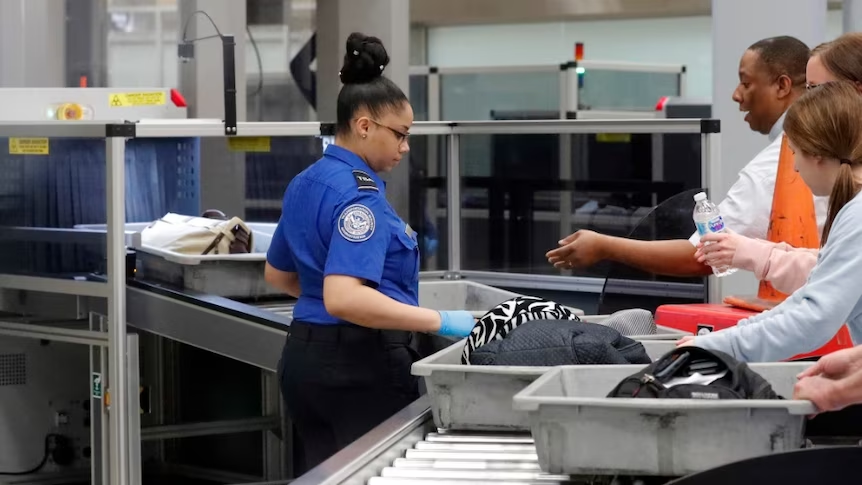
In a TSA PreCheck lane, the laptop stays in your bag whichever machine is used.
The picture is similar in the UK. Heathrow, Gatwick, Birmingham, Edinburgh and London Southend have installed the newer scanners, and at those airports laptops and tablets stay inside your hand luggage. At airports still using older equipment, large electricals come out and go in the tray.
Since you cannot tell in advance which lane you will get, pack for the stricter one. Keep the laptop in an outer sleeve or at the top of the bag so you can lift it out in two seconds, then keep your eyes on it as it goes into the tunnel. Bins get mixed up, and a bare laptop is easy for someone to walk off with.
One more thing catches people out: charge it before you leave home. Security officers can ask you to switch a device on, and a laptop that will not power up can be refused for the flight.
Does a laptop count as part of my baggage allowance?
The laptop itself is not a separate allowance. It counts as part of whatever bag it is in.
On most full-service airlines you get one carry-on bag for the overhead bin plus one personal item that fits under the seat, and a slim laptop bag or backpack usually works as the personal item. Budget airlines are tighter. A basic Ryanair fare includes one small bag of 40 x 20 x 25 cm and nothing else, so the laptop has to fit inside that. Spirit gives you one free personal item and charges for anything larger.

There is no limit on how many laptops you can take through security. Two or three devices are fine, and plenty of people travel with a work machine and a personal one. Customs is where quantity starts to matter, since several boxed, unused devices can look like goods for sale rather than personal kit.
What are the battery rules?
Lithium batteries are measured in watt-hours, written as Wh, and the number is usually printed on the battery or on the underside of the device. Three tiers cover everything.
| Battery rating | What it means |
|---|---|
| Up to 100 Wh | Allowed in the cabin, no permission needed |
| 101 to 160 Wh | Allowed with airline approval, maximum of two spares |
| Above 160 Wh | Not allowed on passenger aircraft |
Most laptop batteries sit between 40 and 100 Wh, so an ordinary machine never gets close to the limit. If you cannot find a Wh figure, work it out from the label: milliamp-hours divided by 1,000, multiplied by the voltage.
Spare batteries are a different matter. Any loose battery, power bank or charging case must travel in the cabin and is banned from checked bags worldwide. Cover the terminals with tape or keep the battery in its own pouch so it cannot short against keys or coins.
A damaged battery is its own case. A laptop with a swollen, cracked or recalled battery is not allowed on the aircraft at all, in either bag, until the battery has been removed or made safe. If the case has started to bulge or the trackpad is being pushed up from below, get it replaced before you fly.
Power bank rules changed recently too. Since 27 March 2026, the international standard limits passengers to two power banks each and bans recharging them during a flight. Several airlines go further. Most large US carriers now want power banks kept in sight, in a seat pocket or on your lap rather than in the overhead bin, and Southwest allows only one per passenger. Using a power bank to charge your laptop is generally still fine. Plugging the power bank into the aircraft to top it up is not.
Can I use my laptop during the flight?
Yes, once the plane is at cruising level and the crew says devices can come out.
Laptops count as heavy devices, so they have to be stowed under the seat or in the bin for taxi, takeoff and landing. Anything with an attached keyboard, or roughly over two pounds, falls into that group. Phones and small tablets can stay in your hands; a laptop cannot. Keep the machine in airplane mode, and connect only to the aircraft wifi if there is any.
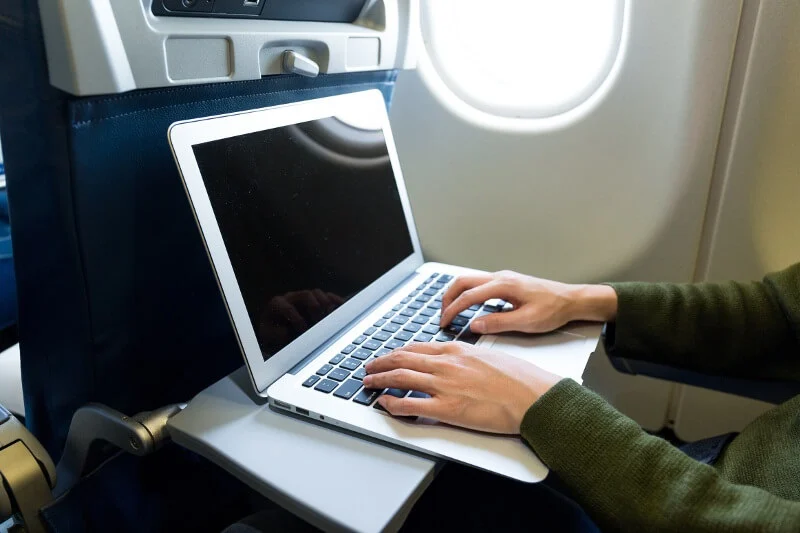
Power at your seat varies by aircraft and cabin. A full AC socket will run a laptop, while a seat USB port often supplies too little current to charge a modern machine while you are using it, so the battery may drain slowly anyway. Turning the screen brightness down and closing heavy apps buys you more time than anything else.
If your laptop or phone slides into a seat mechanism, stop and call a crew member rather than moving the seat, because a crushed battery is exactly the kind that catches fire. The same goes for a device that turns hot, swells or starts to smell. Tell the crew straight away instead of pushing it into a bag or the overhead bin.
Frequently asked questions
Can I put my laptop in checked luggage?
It is allowed, but it is a poor idea. If you have no other option, switch the laptop completely off rather than leaving it asleep, protect it from being turned on by accident, and pack it deep inside soft clothing.
Do I need to take my laptop out of my bag at security?
In a standard X-ray lane, yes: it goes flat in its own bin with nothing on top. In a CT scanner lane or a TSA PreCheck lane it can stay in your bag, and many UK airports now allow the same.
How many laptops can I take on a plane?
As many as you can reasonably carry. Security applies no limit, though several new, boxed devices may draw questions from customs when you land.
Can I use my laptop during takeoff and landing?
No. Laptops count as heavy devices and must be stowed under the seat in front of you or in an overhead bin until the crew says electronics can come out again.
Does my laptop have to be charged for the flight?
Yes, keep some charge in it. Officers can ask you to switch a device on at the checkpoint, and one that will not start can be kept off the aircraft.
Conclusion
You can take your laptop on any flight, and the sensible place for it is your carry-on. Keep the battery in the cabin, keep power banks and spare batteries out of your checked bag, charge the machine before you leave for the airport, and be ready to lift it into its own tray if the lane still uses an older X-ray. Stow it for takeoff and landing, use it once you are level, and the whole thing is a non-event.
Recommended Articles:
Heat Damage to a Laptop Screen: What It Looks Like and What to Do
How to Prolong the Life of a Laptop Battery
Dell Inspiron vs HP Pavilion: Which One Should You Buy in 2026?