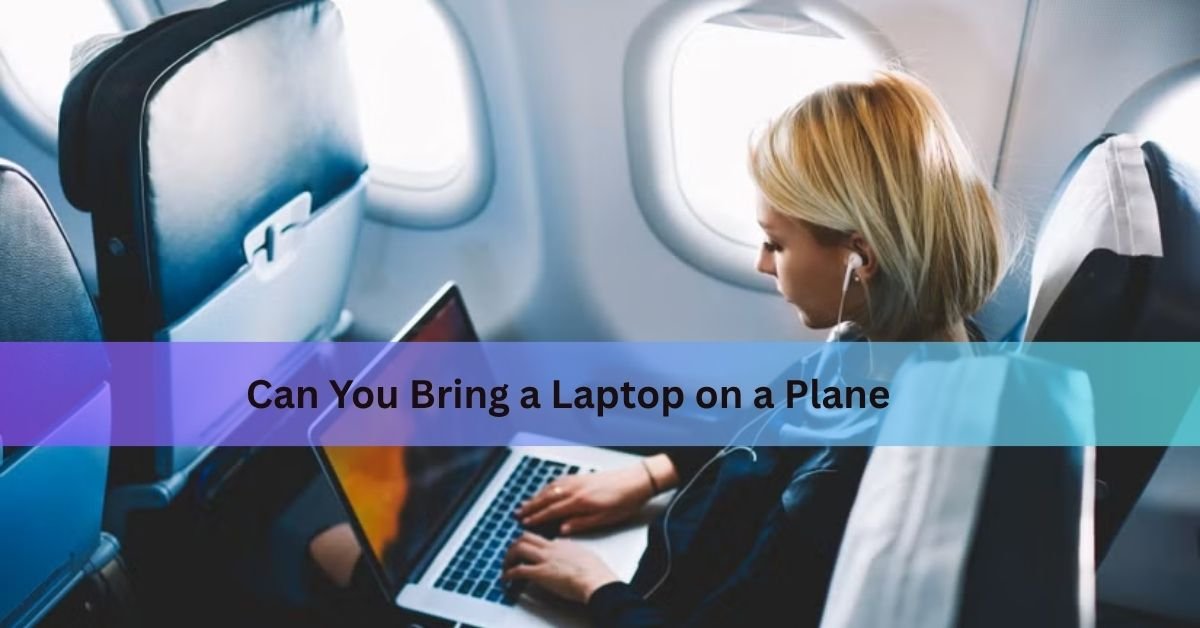
Yes, you can bring a laptop on a plane. TSA allows laptops in both carry-on and checked bags, but carry-on is almost always the right choice and for a good reason that has nothing to do with convenience.
Here is everything you need to know: how to get through security without a hitch, why your laptop’s battery matters, what to do if the airline takes your bag at the gate, and how to use the laptop once you’re in the air.
Carry-on or checked bag which one should the laptop go in?
Carry-on. Always, if you can help it.
Checked bags get thrown around on the tarmac, stacked under heavier luggage, and sometimes opened by strangers. A laptop is fragile and expensive, and it doesn’t belong in that environment. Theft from checked luggage is also a real problem laptops are among the most targeted items.

There is also a safety dimension. Most laptops run on lithium-ion batteries, and the FAA strongly recommends keeping all devices with lithium batteries in the cabin. If a battery starts to overheat or smoke, a flight attendant can deal with it in the cabin. In the cargo hold, nobody can.
Can you put a laptop in checked luggage?
Technically yes, as long as the laptop is completely powered off (not in sleep or hibernate mode) and protected from damage. But the FAA’s own guidance on lithium batteries makes clear that devices with these batteries belong in carry-on, not checked bags. Several airlines go further and actively discourage it. If your only option is to check it, turn the laptop fully off, wrap it well, and remove any spare batteries or power banks before the bag goes below.
What happens at airport security?
This is where most travelers have questions, and the answer depends on which kind of scanner your airport uses.
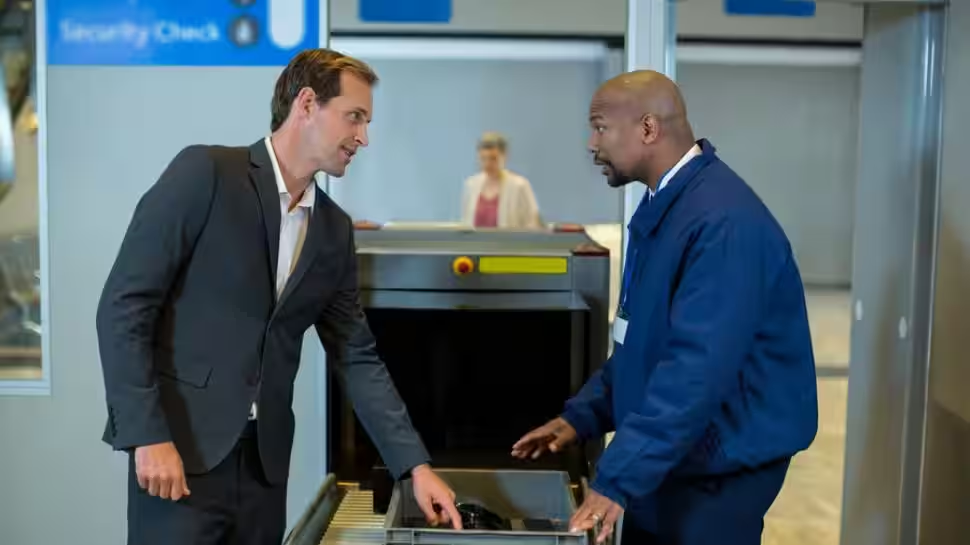
Standard X-ray lanes
At a checkpoint using a traditional 2D X-ray machine, you will need to take your laptop out of your bag and place it alone in a separate bin on the conveyor belt, with nothing placed on top of it. The reason is simple: a laptop’s dense internal components block the X-ray image and make it harder for officers to see what else is in your bag.
The TSA’s official security screening page states that passengers must remove personal electronic devices larger than a cell phone from carry-on bags and that includes laptops, tablets, e-readers, and handheld game consoles.
Airports with CT scanners: you can keep the laptop in your bag
Here is something most people don’t know: at airports equipped with computed tomography (CT) scanners, you do not need to remove your laptop at all. CT scanners create full 3D images of bag contents that officers can rotate and inspect from any angle, so separating electronics is no longer necessary.
As of mid-2025, roughly 255 of the 432 commercial airports in the United States had CT scanners installed. Many of the busiest airports — Atlanta Hartsfield-Jackson, Chicago O’Hare, Dallas-Fort Worth already have them. The rollout is ongoing, with the TSA deploying additional units through 2025 and 2026.
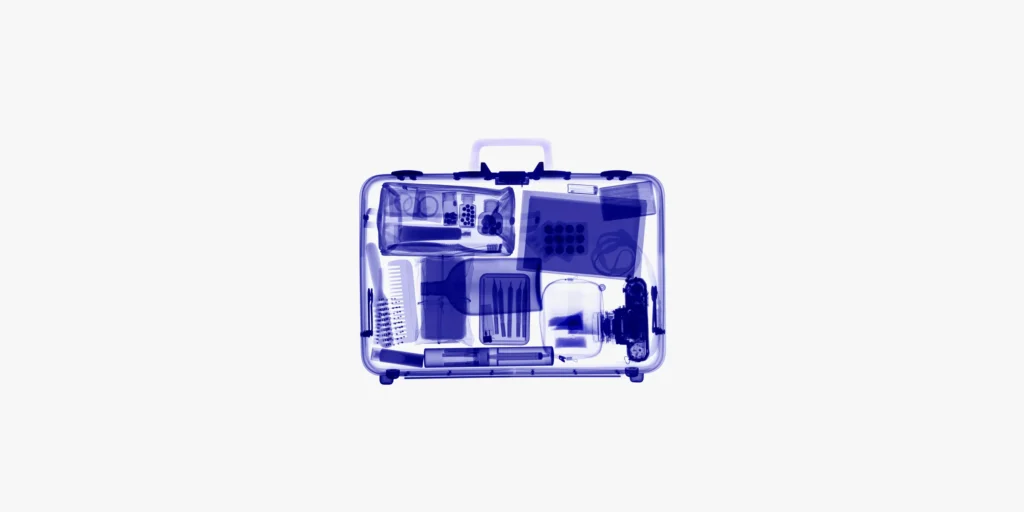
The practical takeaway: pay attention to the signs and instructions at each checkpoint. If a TSA officer tells you to keep your bag closed and place the whole thing in a bin, you are likely in a CT lane and do not need to dig out the laptop.
TSA PreCheck lanes
If you have TSA PreCheck, you use a dedicated lane where laptops and liquids stay in your bag regardless of scanner type. PreCheck also lets you keep your shoes, belt, and light jacket on. Enrollment costs between $78 and $85 (depending on the provider) and is valid for five years. For anyone who travels more than a couple of times a year, it pays for itself quickly in time saved.
Quick tip: Put your laptop in an easy-access pocket before heading to the checkpoint. Pulling it out quickly and placing it in a bin before you reach the belt is much smoother than fishing through a packed bag while the line backs up behind you.
Lithium battery rules what you need to know
The fire risk from lithium-ion batteries is real, and the rules around them are the most important thing to understand when flying with a laptop.
| Battery type | Carry-on | Checked bag |
| Laptop (battery installed) | ✓ Allowed — recommended | Allowed, but must be fully off; not recommended |
| Spare / uninstalled lithium battery | ✓ Allowed (under 100 Wh: unlimited; 101–160 Wh: max 2, airline approval needed) | ✗ Prohibited — always |
| Power bank / portable charger | ✓ Allowed (100 Wh or under) | ✗ Prohibited — always |
Most laptop batteries sit between 40 and 100 watt-hours (you can find this printed on the battery or in your laptop’s specs), so they fall comfortably under the 100 Wh threshold for carry-on. High-capacity workstation batteries in the 100–160 Wh range are allowed in carry-on but require airline approval and are capped at two per person. Anything above 160 Wh is not permitted on passenger flights.
The gate-check situation you really can’t afford to miss
On a full flight, the airline may ask you to gate-check your carry-on meaning the bag goes into the cargo hold just before you board. This is where travelers get caught off guard.
Before you hand over that bag, pull out your laptop, your power bank, and any spare batteries. The FAA is explicit: spare lithium batteries must be removed from any bag that is checked at the gate or planeside and kept with you in the cabin. The laptop itself — because its battery is installed can technically stay in the bag, but given the fire safety reasoning above, taking it with you is the smarter move.
The FAA’s Pack Safe page has the exact wording on all of this, including the watt-hour thresholds for larger batteries, and is worth bookmarking if you travel often.
How many laptops can you bring?
TSA does not set a limit on the number of laptops you can bring through security. You could technically bring five each goes in its own bin at standard checkpoints. The realistic constraints are airline carry-on size rules, the physical space in your bag, and the practical awkwardness of multiple bins at security.
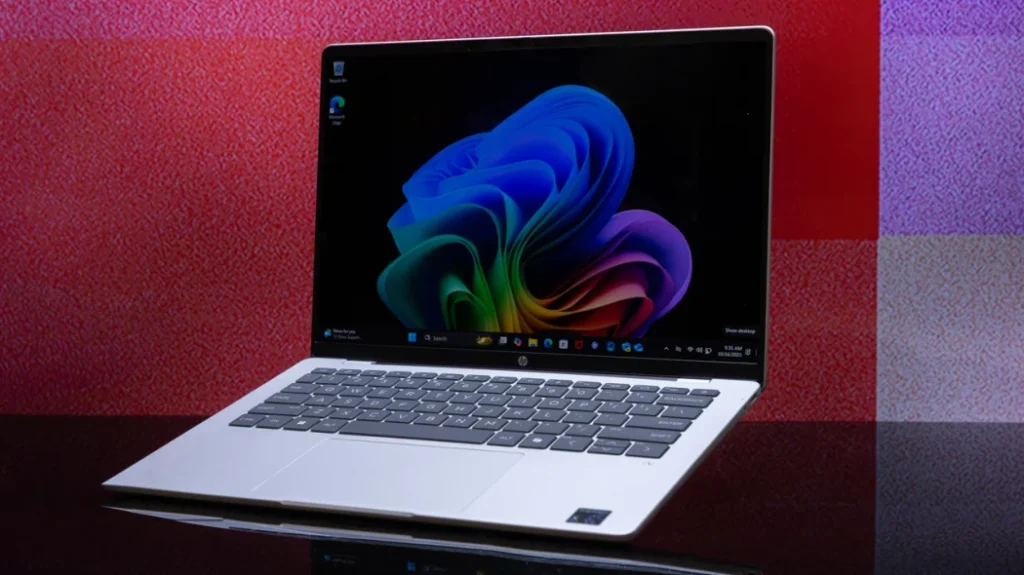
One airline does draw a line: American Airlines limits personal laptop carry-ons to two. Most others impose no specific number. If you regularly travel with two laptops for work, that’s generally fine but bring documentation (receipts or an employer equipment list) if you’re crossing international borders, to avoid any customs complications.
Using your laptop during the flight
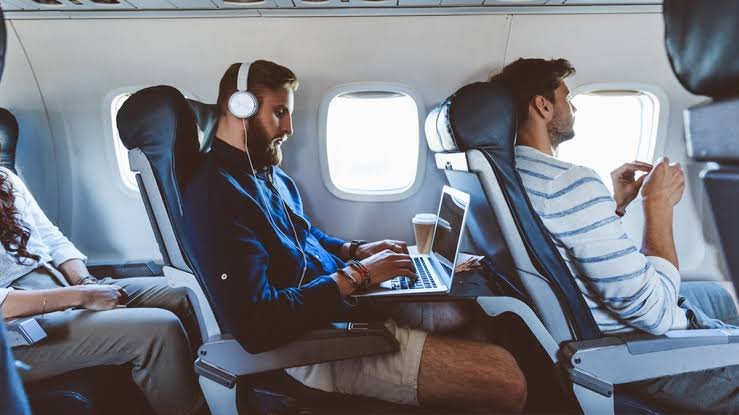
Once the plane reaches cruising altitude, you can open your laptop and use it. Airlines in the U.S. follow FAA guidance that allows personal electronic devices during all phases of flight but with some conditions.
Airplane mode
Before the cabin doors close, put your laptop into airplane mode. This disables the cellular data radio, Wi-Fi, and Bluetooth. If your airline offers in-flight Wi-Fi (which most U.S. carriers now do), you can turn Wi-Fi back on after enabling airplane mode the flight attendant or a screen announcement will tell you when.
Takeoff and landing
Larger electronics including laptops need to be stowed during taxi, takeoff, and landing. A phone or tablet can stay in hand even during those phases on most airlines, but a laptop is bulkier and goes under the seat or in the overhead bin until the seat belt sign goes off. If turbulence picks up mid-flight, the crew may ask you to put it away temporarily.
Overhead bin vs under the seat
When the laptop is not in use, it is better stowed under the seat in front of you rather than in the overhead bin. Bins fill up fast, and bags get stacked on top of each other, which puts pressure on your computer. Under the seat keeps it close and protected.
Power outlets on the plane
Not every aircraft has seat power. Business and first class almost always do; economy is hit or miss depending on the airline and plane. Charge your laptop fully before you leave for the airport, and bring a power bank large enough to top it up if you’re on a long haul. Check your airline’s aircraft amenities page before you fly if you want to know for sure.
Practical tips for flying with a laptop
A few habits make the whole experience easier:
- Pack it last, pull it out first. Place the laptop in a sleeve in an easy-access outer pocket of your carry-on. At security, you want to grab it quickly without digging.
- Charge before you go. TSA can ask you to power on your device, and a dead laptop raises questions. A full battery also means you have a working machine if the airport delays your flight.
- Pack a sleeve, not just a bag. Even with a padded backpack, a laptop sleeve adds another layer against bumps and the occasional metal edge inside the compartment.
- Gate-check rule: pull it out. If the gate agent asks you to check your carry-on, take the laptop, power bank, and any loose batteries out before you hand the bag over.
- Protect terminals on spare batteries. If you carry a spare external battery for the laptop, put a piece of tape over the contacts or keep it in its original packaging. A short circuit is what causes fires, not the battery itself sitting in a bag.
- Back up before you go. Bags get lost. Hard drives die when luggage gets dropped. A quick cloud backup or an external drive at home takes five minutes and can save weeks of work.
If you are unsure about any specific item, the TSA’s What Can I Bring? tool lets you search by item name and returns the current allowed/not allowed status for both carry-on and checked bags.
Frequently asked questions
Do I have to take my laptop out at airport security?
At most U.S. airports that use standard 2D X-ray machines, yes. You remove the laptop and place it alone in a bin. At airports with CT scanners now installed in over half of U.S. commercial airports you can leave it in your bag. TSA PreCheck passengers never have to remove it regardless of scanner type.
Can I put my laptop in checked luggage?
Technically yes, if it’s fully powered off and packed securely. But it’s not a good idea. Checked bags get rough handling, and there’s a real theft risk. More importantly, the FAA recommends keeping lithium battery devices in the cabin, where any battery problem can be handled immediately.
What happens if the airline takes my carry-on at the gate?
Before you hand the bag over, remove your laptop, power bank, and any spare batteries. Spare lithium batteries cannot go below the plane under any circumstances that’s an FAA rule, not a suggestion. The laptop itself can stay in the bag if needed, but pulling it out is the safer move.
Can I use my laptop during takeoff and landing?
No. Laptops must be stowed under the seat in front of you or in the overhead bin during taxi, takeoff, and landing. Phones and small tablets are often allowed in hand during these phases, but the size of a laptop makes stowing mandatory. Once the seat belt sign turns off after takeoff, you’re free to open it.
Do I need to put my laptop in airplane mode?
Yes. Enable airplane mode before the cabin doors close. This turns off the wireless radio, which is what the rule requires. If your airline offers in-flight Wi-Fi, you can switch Wi-Fi back on after enabling airplane mode the Wi-Fi signal routes through the plane’s own system and does not interfere with avionics.
Conclusion
Laptops are allowed on planes, and carry-on is the right place for them. At most U.S. airports you will still need to remove the laptop at the security checkpoint and place it in its own bin though at the growing number of airports with CT scanners, the bag can stay closed. Spare batteries and power banks must always travel in the cabin, never in checked luggage. During the flight, enable airplane mode before the doors close, stow the laptop for takeoff and landing, and you are good to go.
Related Articles:
Does a Laptop Have a Lithium Battery? What’s Inside and Why It Matters
White Spot on Laptop Screen: What It Is and How to Fix It
How to Optimize Your Gaming Laptop for 4K (Without Buying a New One)
Can You Pack a Laptop in Checked Luggage? What the Rules Actually Say
How to Work on the Couch with a Laptop Comfortably
Acer Laptop Won’t Turn On? Here’s How to Fix It (Step by Step)